How it works

Pendant → phone → your AI

Three things you own, talking to each other directly. Here is what happens to a conversation, step by step.

1 · Record

The pendant records

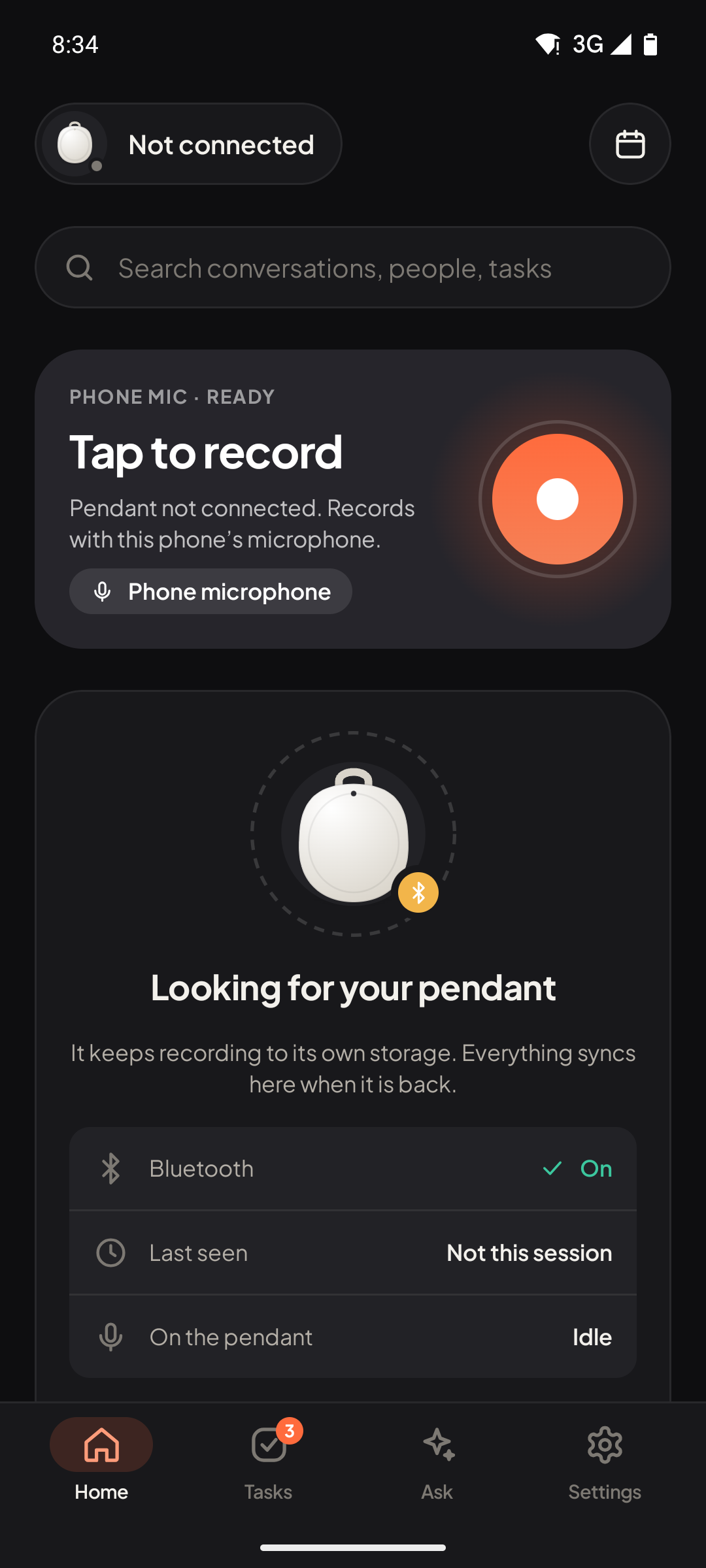
Press the button to start and stop (Manual), or choose Always On: the pendant or the phone listens, checked on the phone only, and a conversation opens when people keep talking. Before anything goes to your AI server, the phone checks it is worth notes.

  • Audio streams to the phone over Bluetooth, about 2 KB a second.
  • Out of range, the pendant keeps recording to its own storage and hands the files over on reconnect.
  • No pendant with you? The Android app records with the phone's microphone. The iPhone app (not released yet) can also record with an Apple Watch and show the live transcript on it.
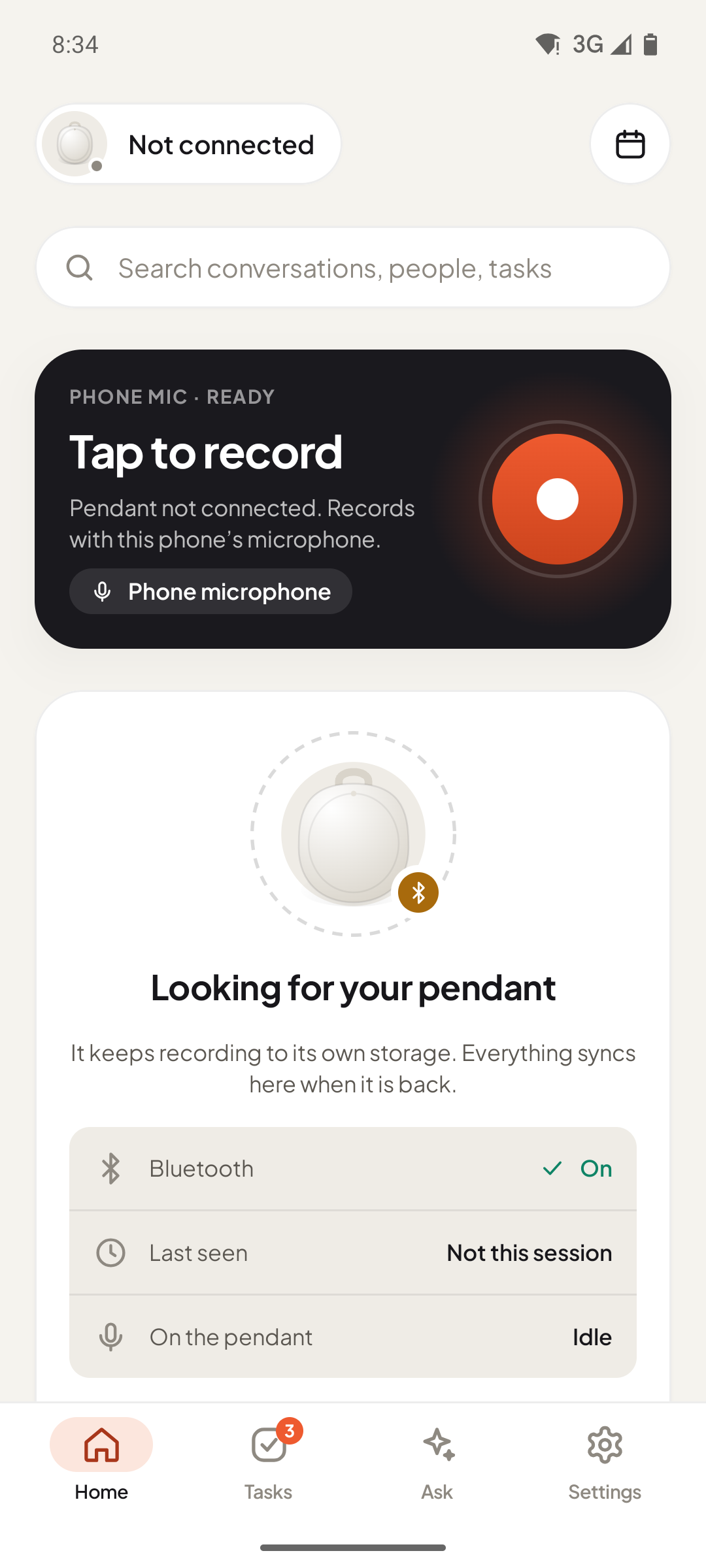
Home screen: tap to record, pendant status and Bluetooth state. Home screen: tap to record, pendant status and Bluetooth state.

2 · Transcribe

Your phone transcribes as you talk

The live transcript is made on the phone, so you see the words straight away even without a network.

  • The audio is saved on the phone as a small Ogg/Opus file and kept.
  • Silence ends a conversation; very short clips (under 8 words) never go to an AI model, so nothing gets invented.
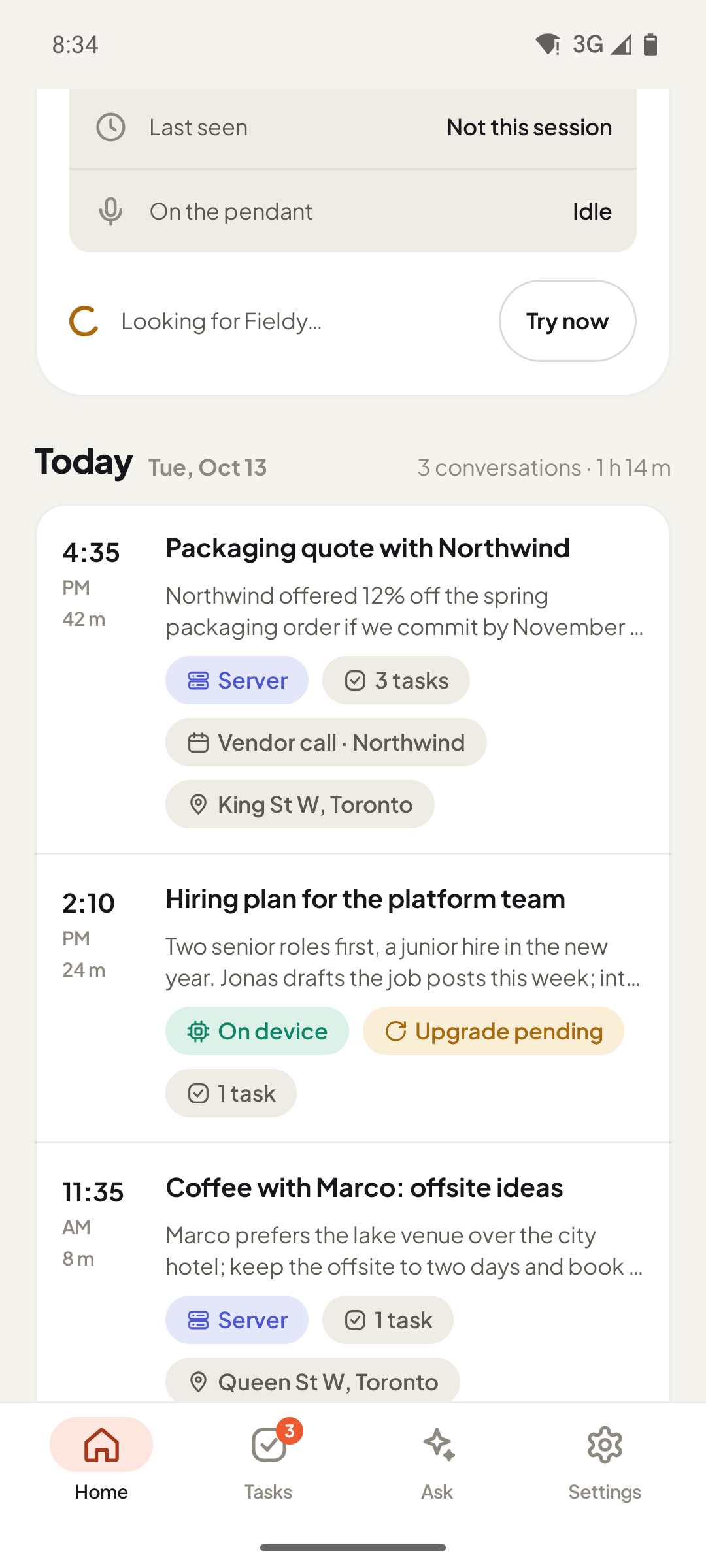
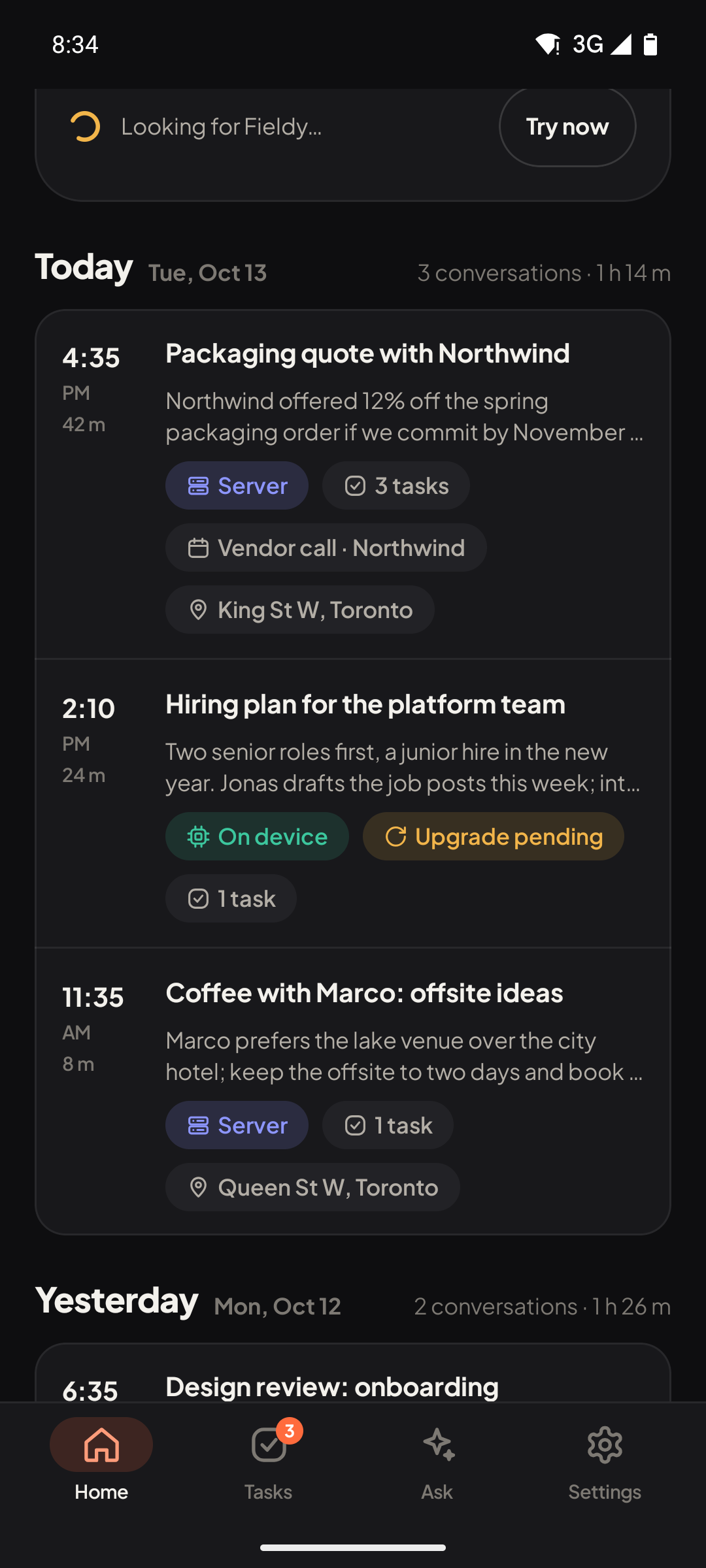
The day's conversations, each with a summary and where it was processed. The day's conversations, each with a summary and where it was processed.

3 · Notes

Your AI writes the notes

In Hybrid mode (the default), quick notes are made on the phone in seconds. When your AI server is reachable, it redoes the transcript with a larger model, adds speakers and rewrites the notes.

  • Server off or out of reach? The conversation is marked "Upgrade pending" and finishes on its own later.
  • Prefer one provider? Choose My AI server, OpenAI, Deepgram, Baseten or any OpenAI-compatible service with your own key.
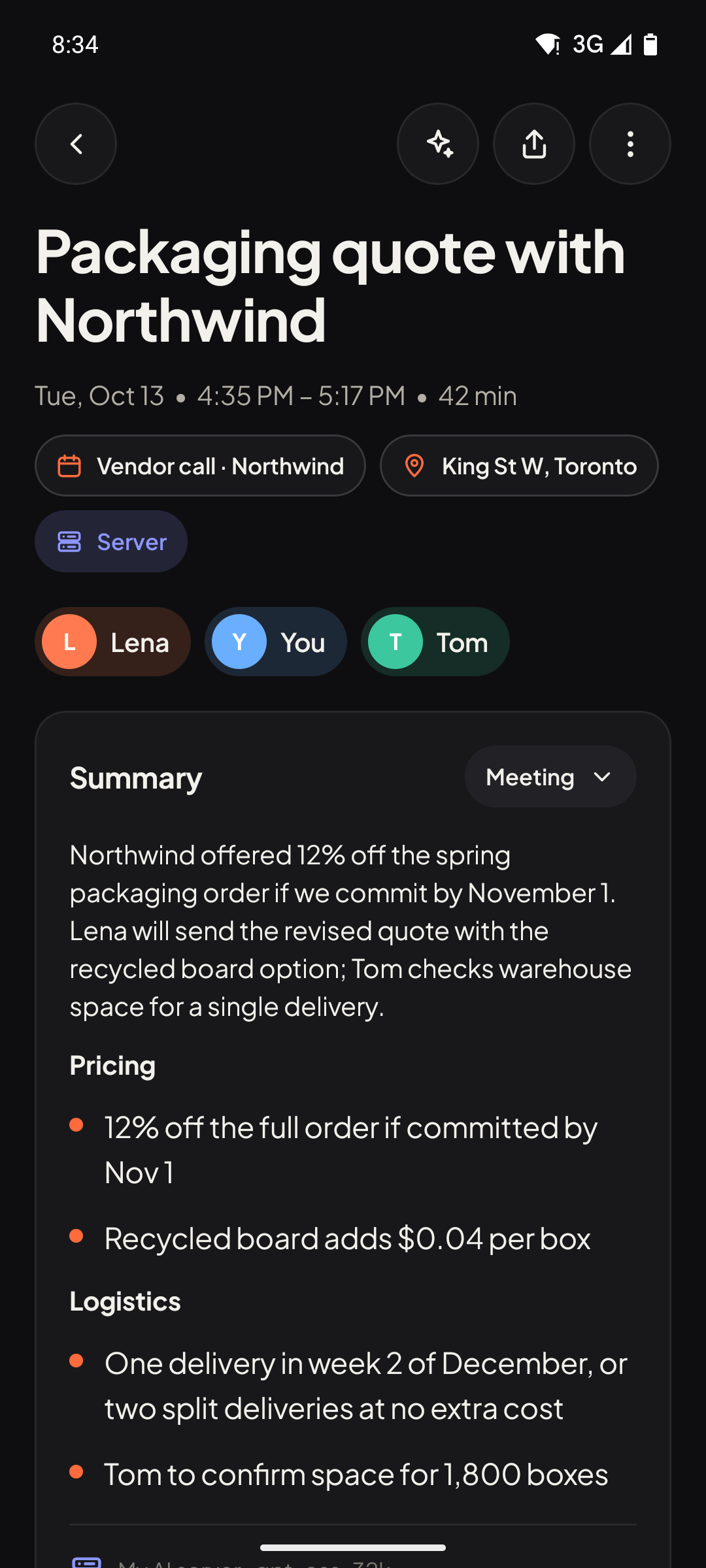
  • Each conversation shows how it was processed: what ran on the phone, what ran on the server, how long it took.
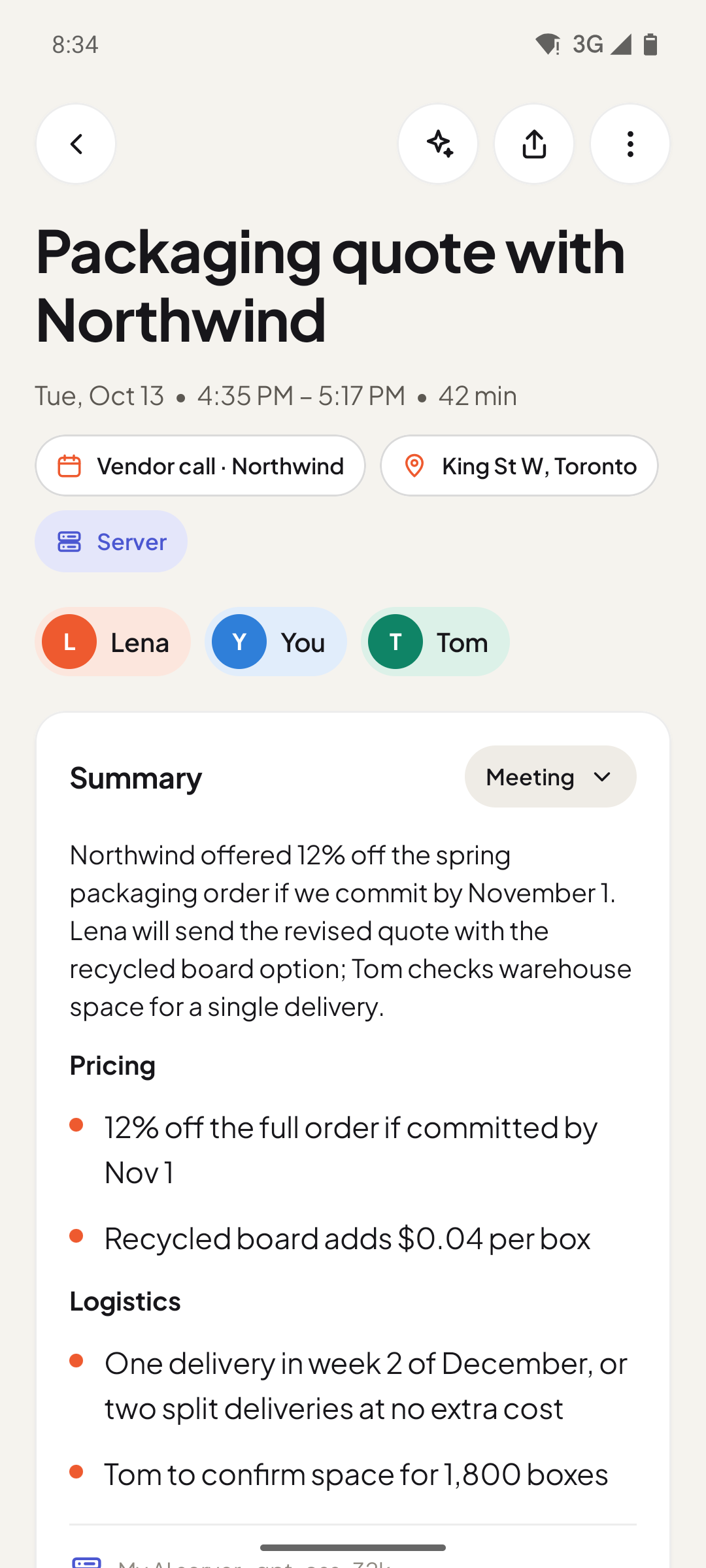
A finished conversation: summary in sections, speakers, and a Server badge. A finished conversation: summary in sections, speakers, and a Server badge.

What you need

Before you start

A Fieldy 3 pendant

Optional on desktop. On Android, the phone microphone works without one.

An Android phone

Android 13 or later on a 64-bit (arm64) phone. Or the desktop app on a Mac.

An AI server (recommended)

A computer you control running OpenAI-compatible speech-to-text and chat. Without one, the phone does what it can on its own, or you add a provider key.