For the Fieldy 3 pendant · Private preview

Remember every conversation. Privately.

Your pendant records. Your phone and your own AI server do the rest: a live transcript, a summary, the tasks you agreed to. No Fieldy cloud in between.

  • On device
  • Your AI server
  • Works offline
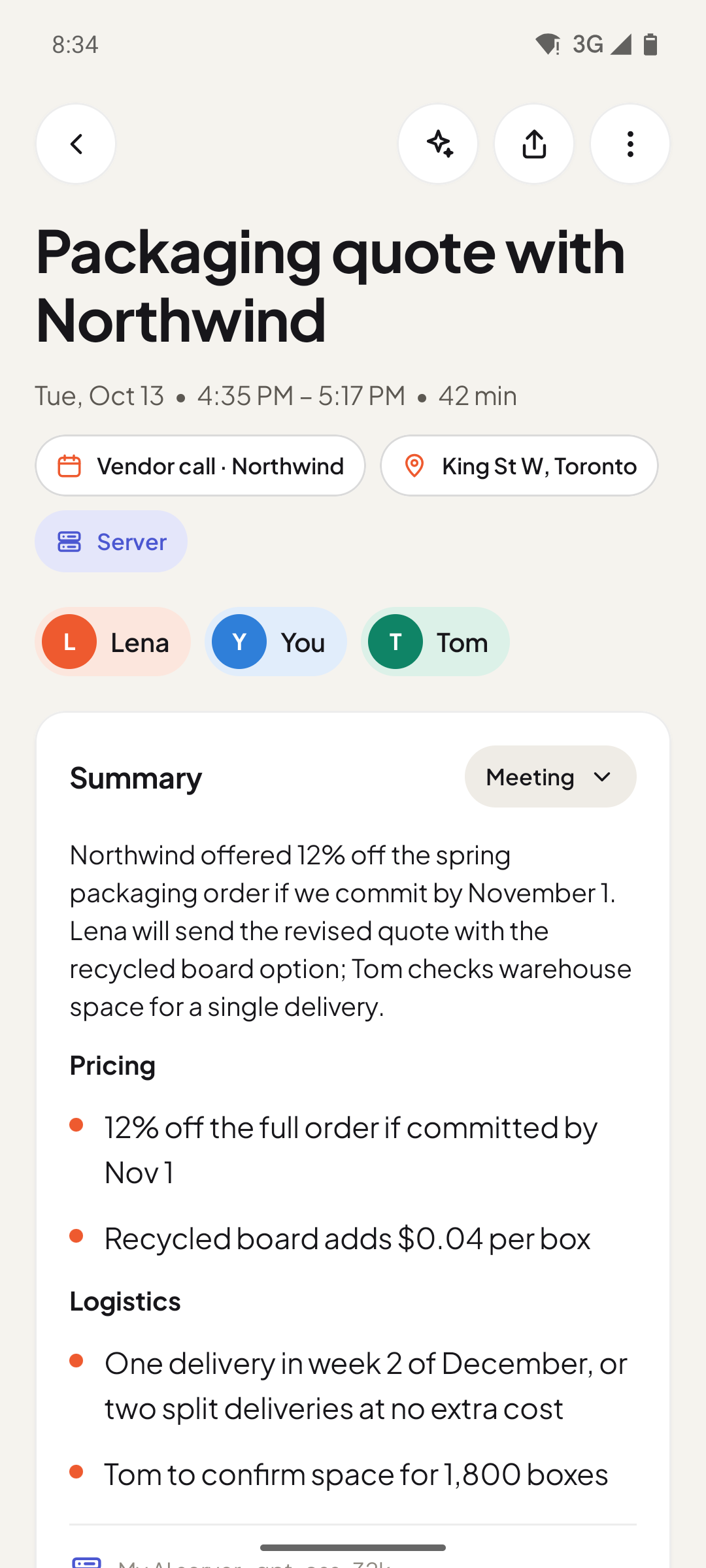
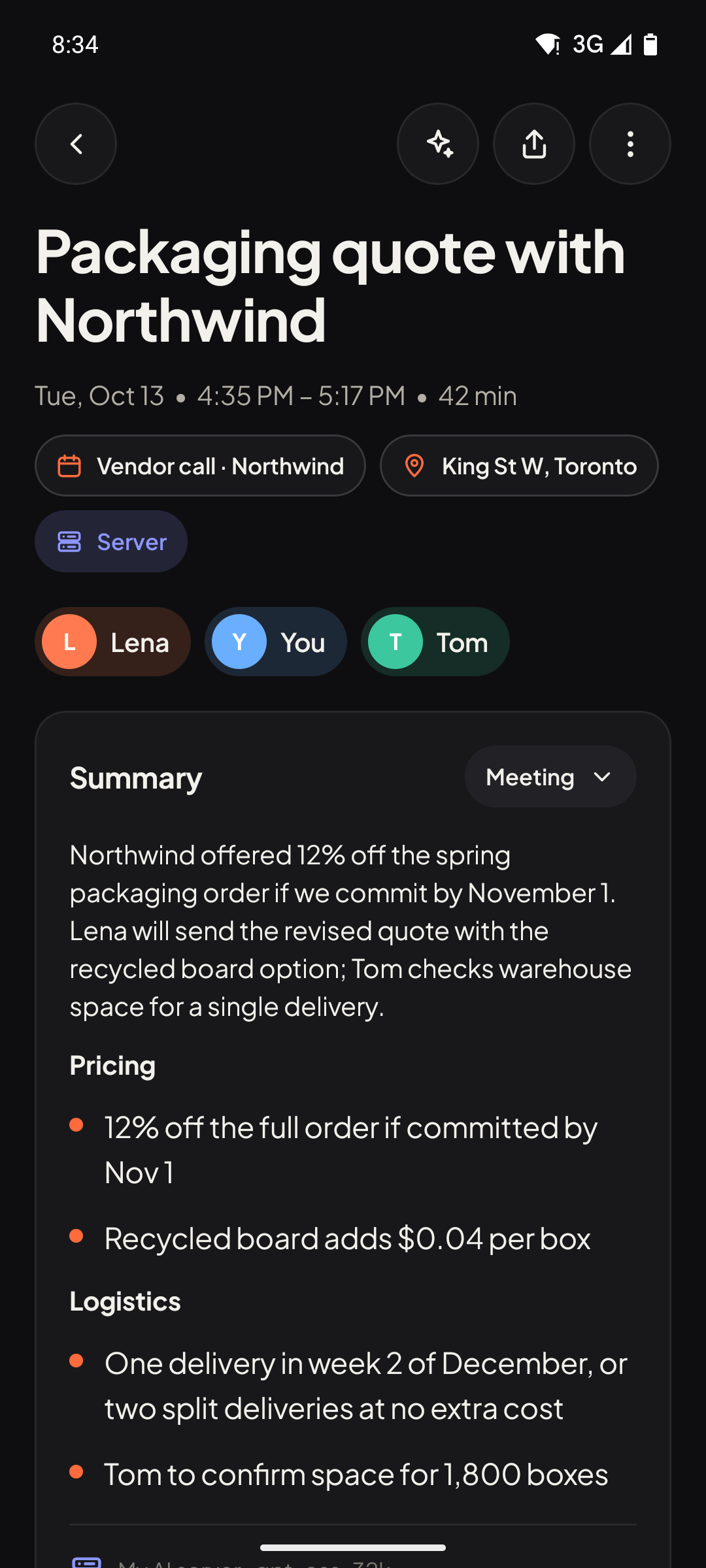
A conversation in the app: title, summary with sections, speakers and where it was processed. A conversation in the app: title, summary with sections, speakers and where it was processed.
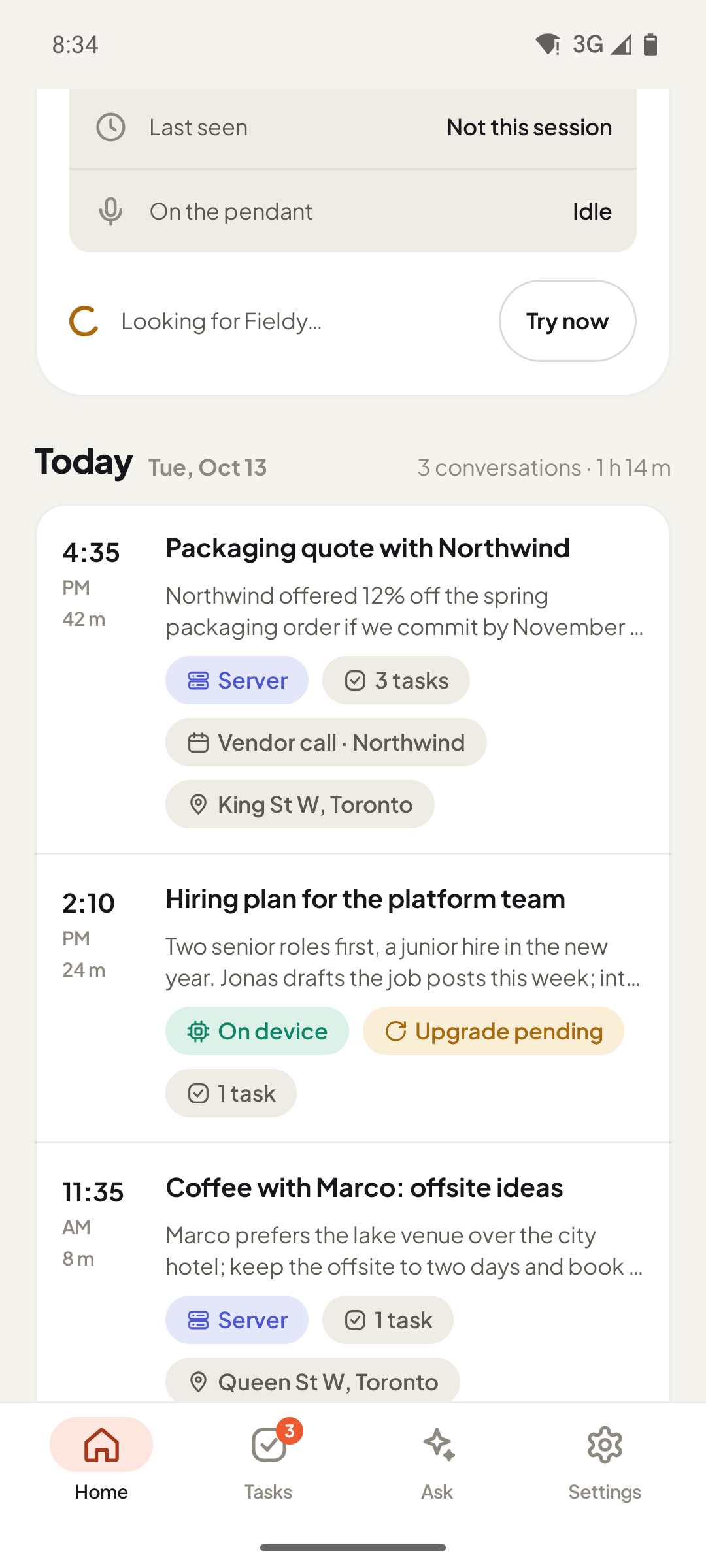
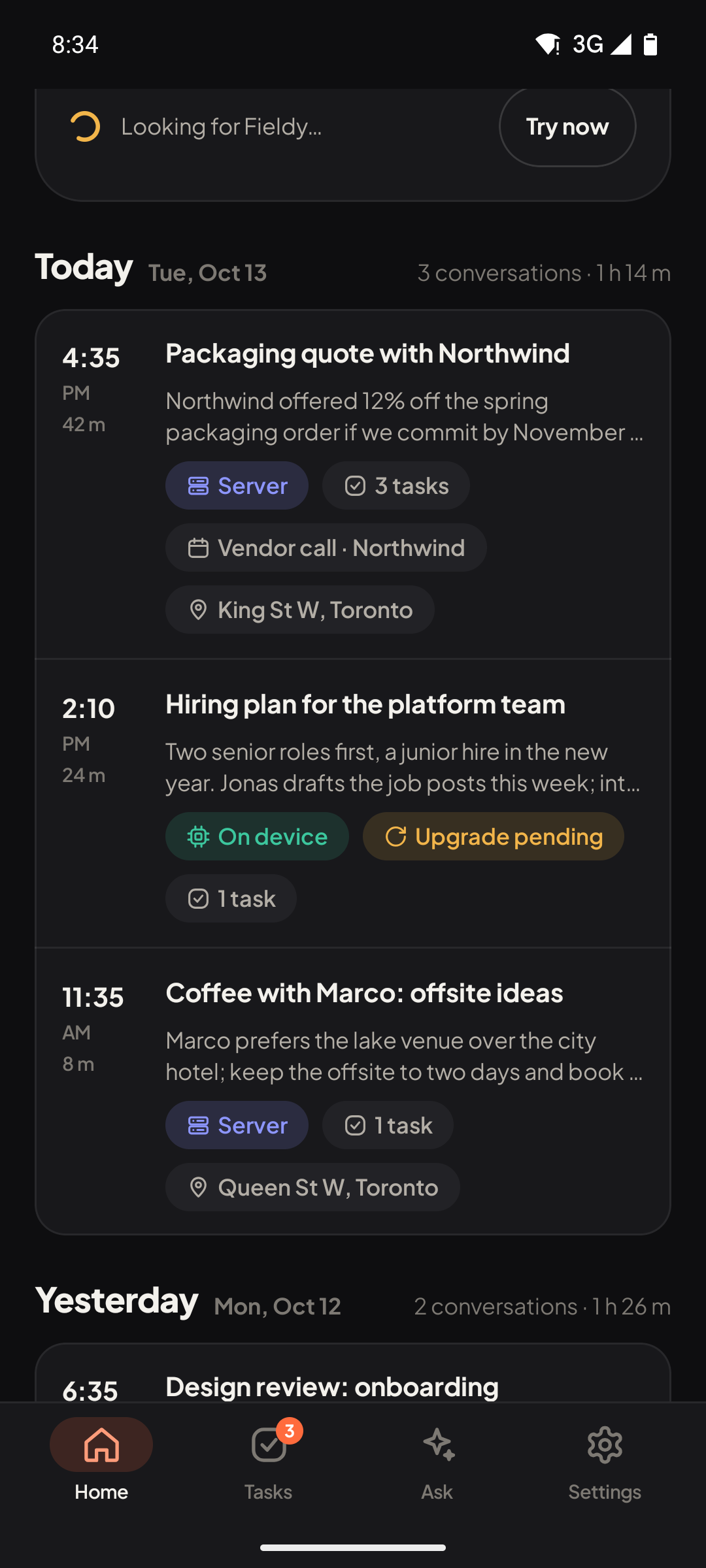
The app's home screen: today's conversations with summaries, tasks and provenance badges. The app's home screen: today's conversations with summaries, tasks and provenance badges.

Private preview. Private Fieldy is being tested and is not in an app store yet. Features marked Experimental are built but not finished testing. See what changed.

How it works

Pendant → phone → your AI

Three pieces you own, talking to each other directly.

  1. The pendant records

    Press the button, or let Always On start when people keep talking (checked on the phone, nothing sent until it is worth notes). Out of range, the pendant keeps recording and syncs later.

  2. Your phone transcribes

    Audio arrives over Bluetooth. The live transcript is made on the phone; quick notes can be too.

  3. Your AI does the rest

    Your own AI server makes the final transcript, the summary and the tasks. Or pick a provider with your own key.

Privacy, shown not claimed

Your conversations stay with you

Every transcript, summary and task carries a badge saying where it was made: on your phone, or on your AI server.

  • The app talks to the pendant directly. No Fieldy account or cloud for your recordings.
  • Recordings are files on your phone. You can export and back them up.
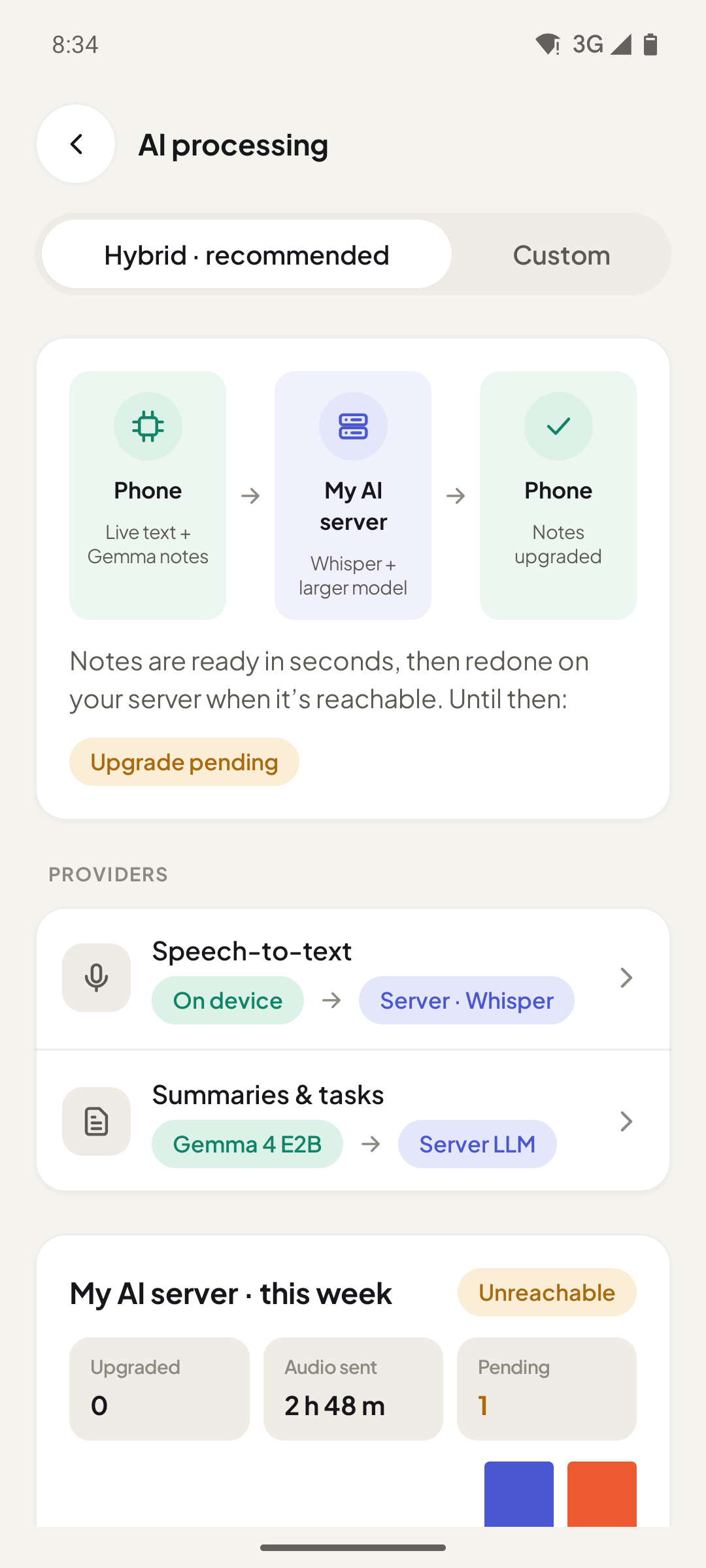
  • When your server is off, notes are made on the phone and upgraded later.
  • No account needed. Sync between devices is optional and off until you sign in.
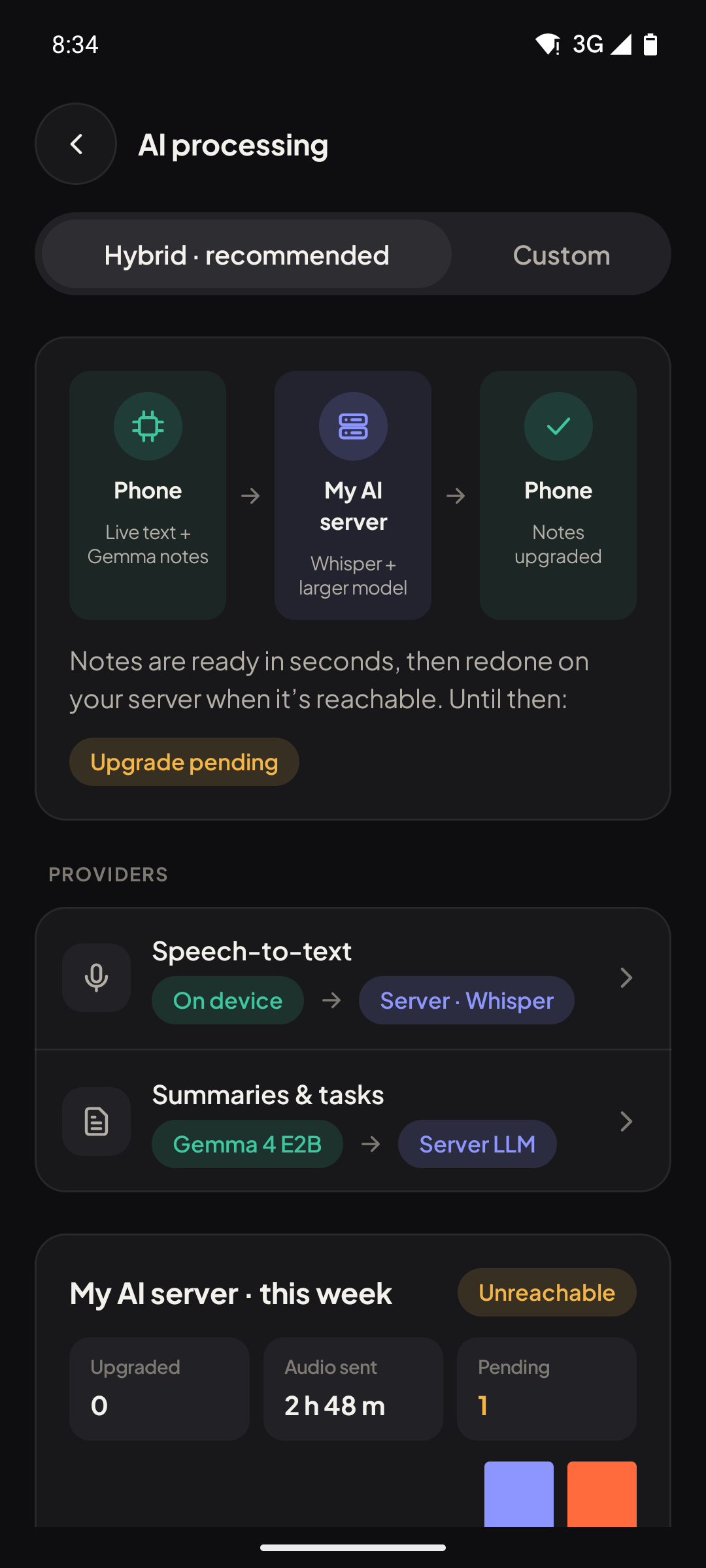
AI processing settings: hybrid mode, phone first, then your AI server, then the phone again with upgraded notes. AI processing settings: hybrid mode, phone first, then your AI server, then the phone again with upgraded notes.

Features

Notes you would have taken, if you could

Preview

Live transcript, on your phone

Words appear while you talk, transcribed on the phone itself. Nothing has to leave it for that.

  • Records from the Fieldy 3 pendant over Bluetooth, or from the phone's own microphone when no pendant is near.
  • Audio is saved as small Ogg/Opus files on the phone, and kept.
  • Bookmark a moment with a double press on the pendant (if you turn that on).
Live transcript, on your phone: screenshot of the app. Live transcript, on your phone: screenshot of the app.
Preview

Summaries and tasks

Every conversation gets a title, a summary in the template you pick, and suggested tasks with due dates.

  • 12 built-in templates (meeting, one-on-one, interview, sales call, lecture and more) plus your own.
  • Tasks are suggestions until you accept them; accepted tasks remind you when they are due.
  • Long meetings are summarised in parts and combined, so the first hour counts as much as the last.
Summaries and tasks: screenshot of the app. Summaries and tasks: screenshot of the app.
Preview

Ask about your day

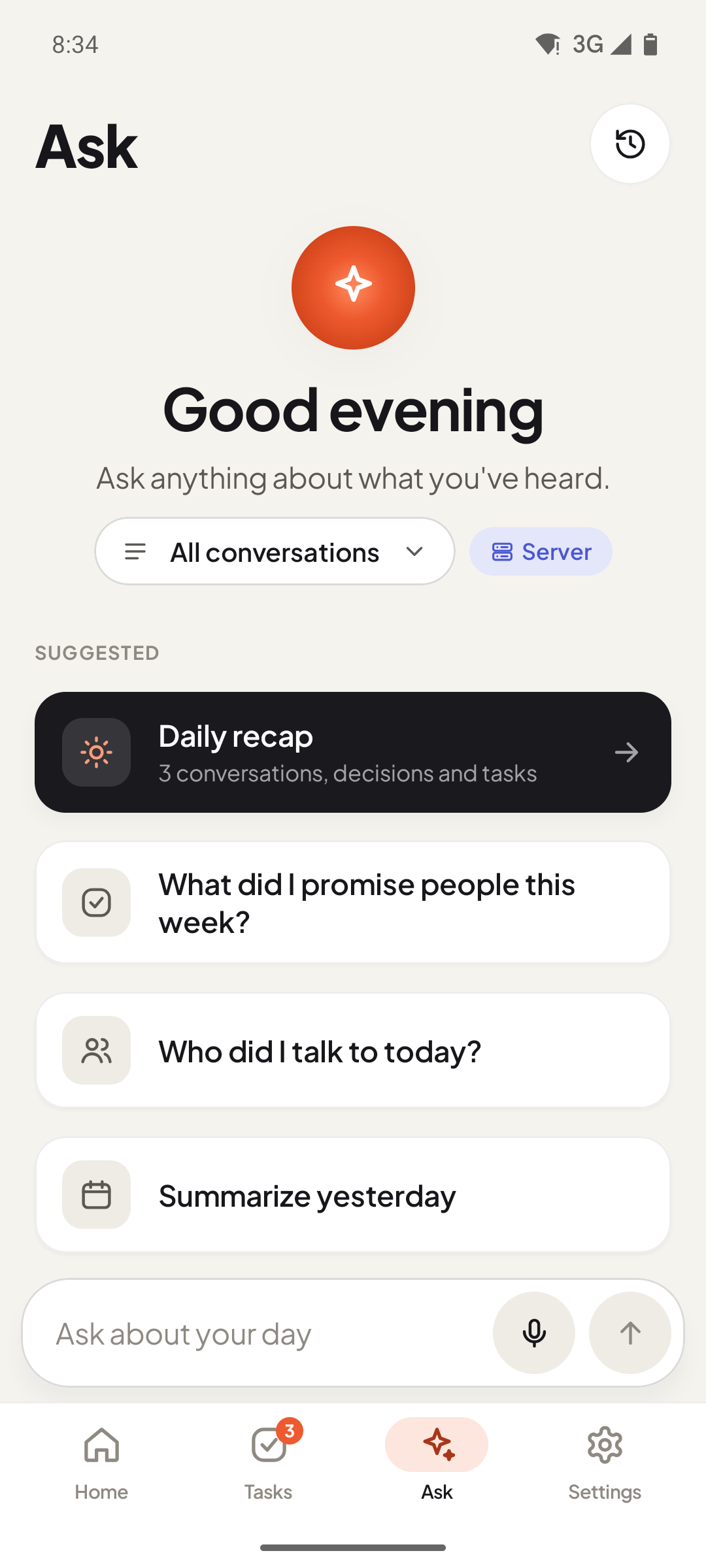
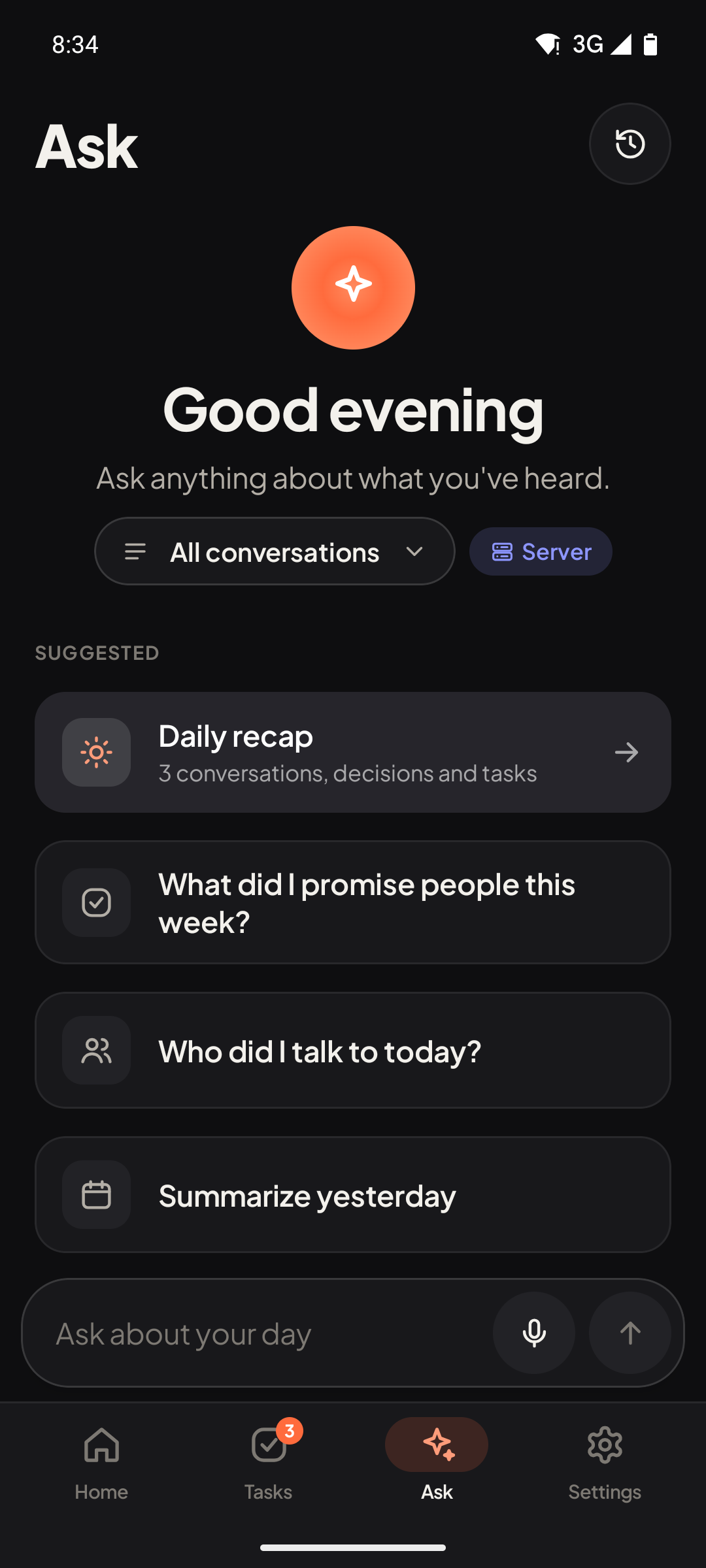
Ask questions across your conversations. Answers cite the conversations they came from.

  • Ask about one conversation or all of them ("What did I promise people this week?").
  • Suggested questions, a daily recap and follow-up questions.
  • One conversation can be answered on the phone; questions across many go to your AI server.
Ask about your day: screenshot of the app. Ask about your day: screenshot of the app.
Experimental

Speakers you can name

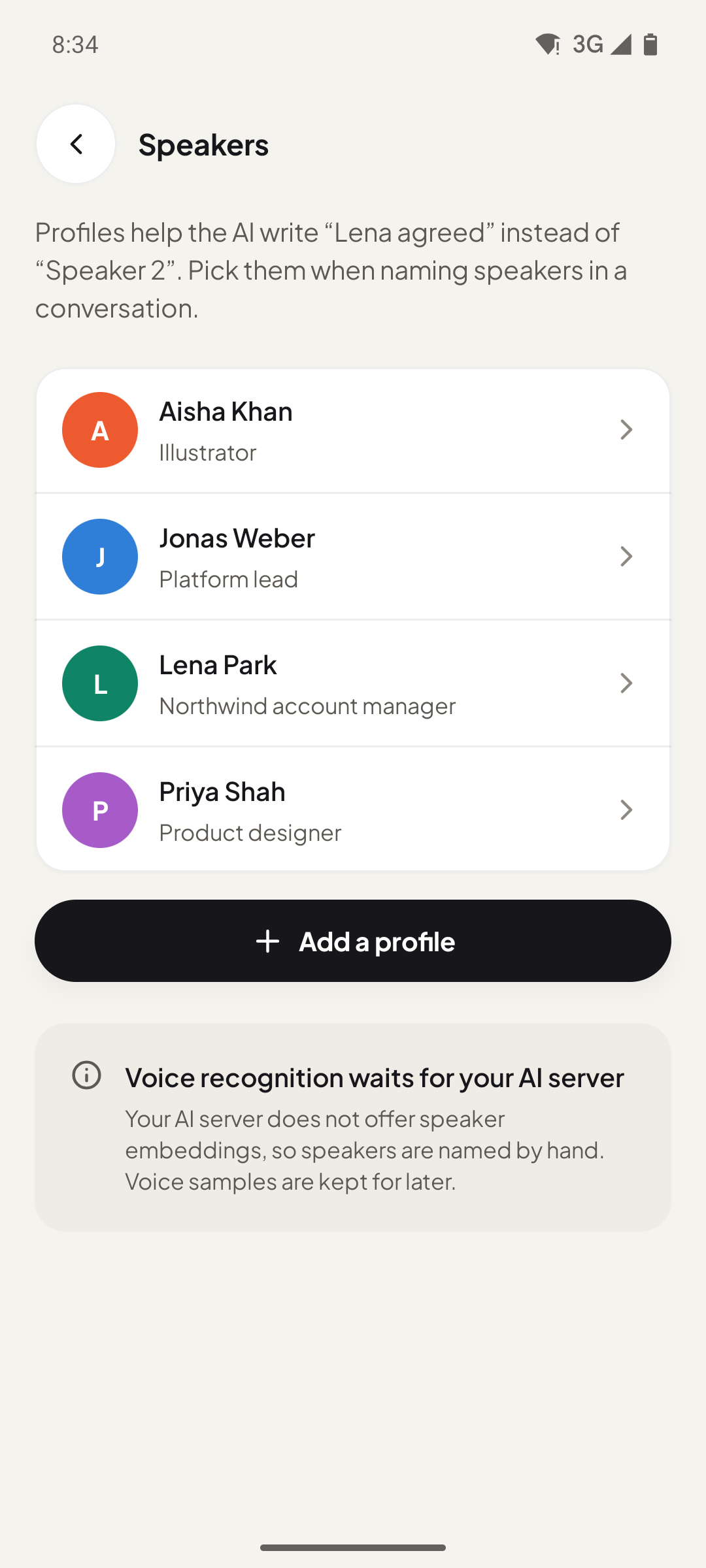
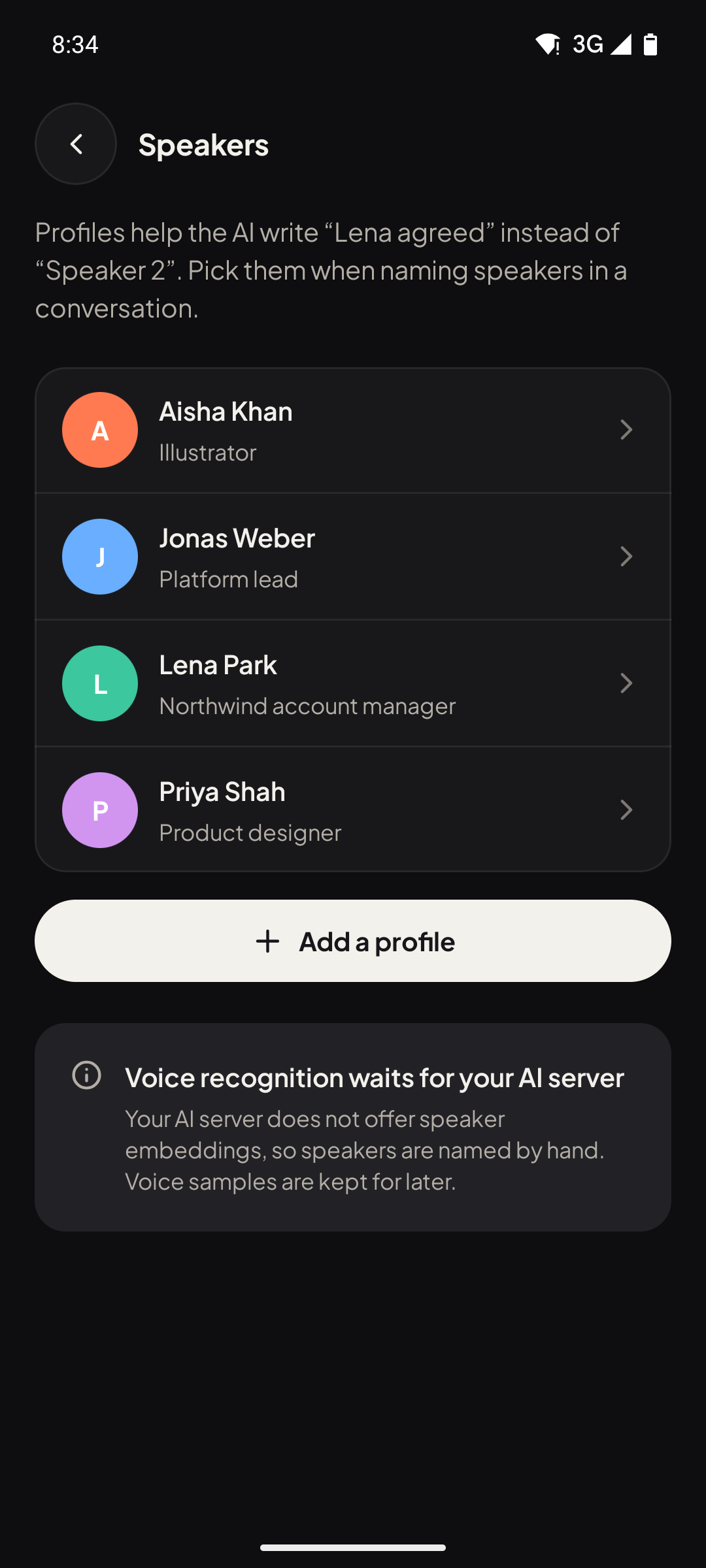
Transcripts are split by speaker, and you give each voice a name once.

  • Speaker profiles add context, so notes say "Lena agreed" instead of "Speaker 2".
  • Voice recognition: with a voice sample, the app can name known speakers automatically when your AI server provides voice embeddings.

Naming by hand works in the preview; automatic voice recognition needs an AI server with speaker embeddings and is still being tested.

Speakers you can name: screenshot of the app. Speakers you can name: screenshot of the app.

And more

Built for real days, not demos

Preview

Offline sync from the pendant

Walk away from your phone and keep recording. The pendant stores the audio and hands it over when it is back.

Preview

Always On, or Manual

Record only when you press, or let Always On listen with the pendant, the phone or an Apple Watch and open a conversation only when people keep talking.

Experimental

Desktop meeting recorder

Record online meetings on your Mac or PC: your microphone and the computer's audio together, no meeting bot.

Experimental

Record in your browser

The web app records with your computer's or phone's microphone and makes the same notes, with the AI providers you choose.

Experimental

Sync across your devices

Optional: sign in and your conversations, tasks and speakers stay in step between phone, computer and the web.

Experimental

Claude connector

Add your conversations to Claude as a read-only connector and ask Claude about your meetings.

Experimental

Pendant firmware updates

Check and install pendant firmware from inside the app, with every image validated before it is sent.
On your computer

Online meetings too

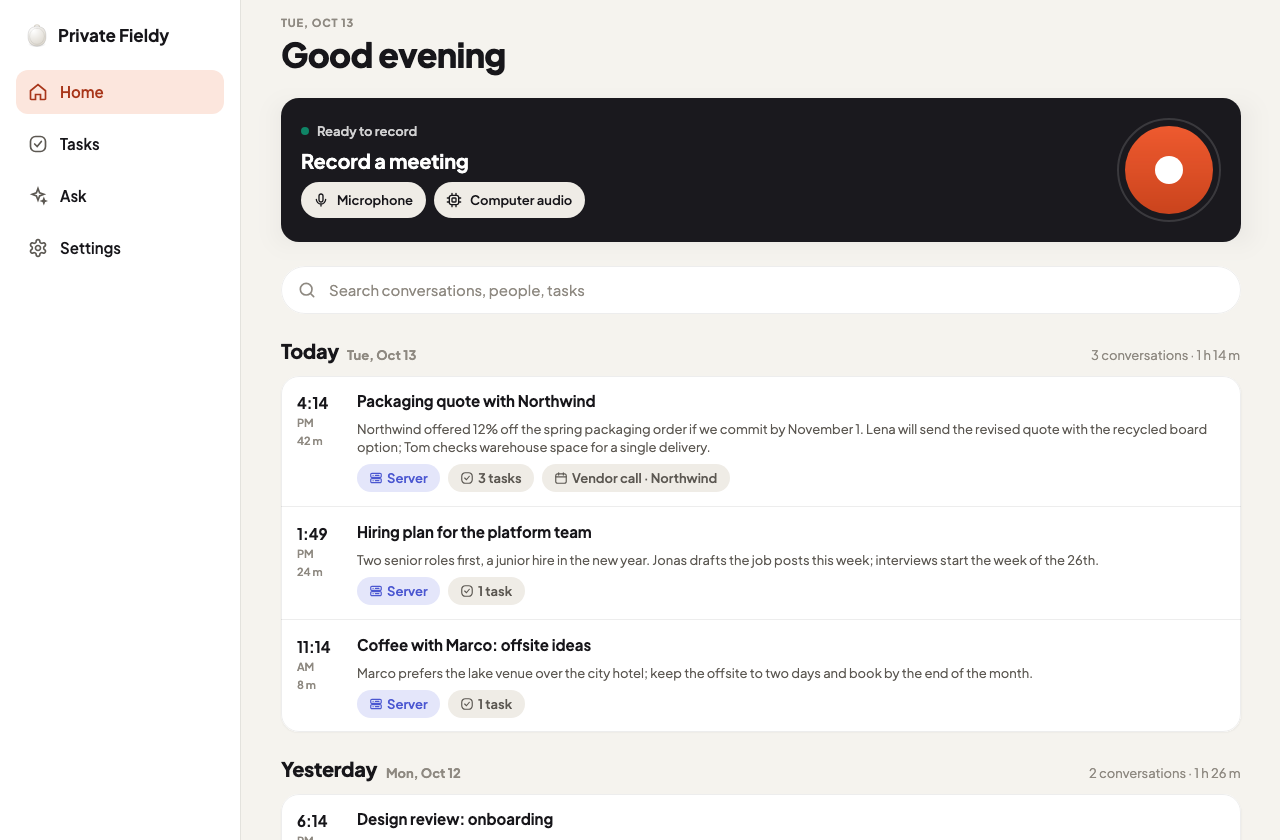
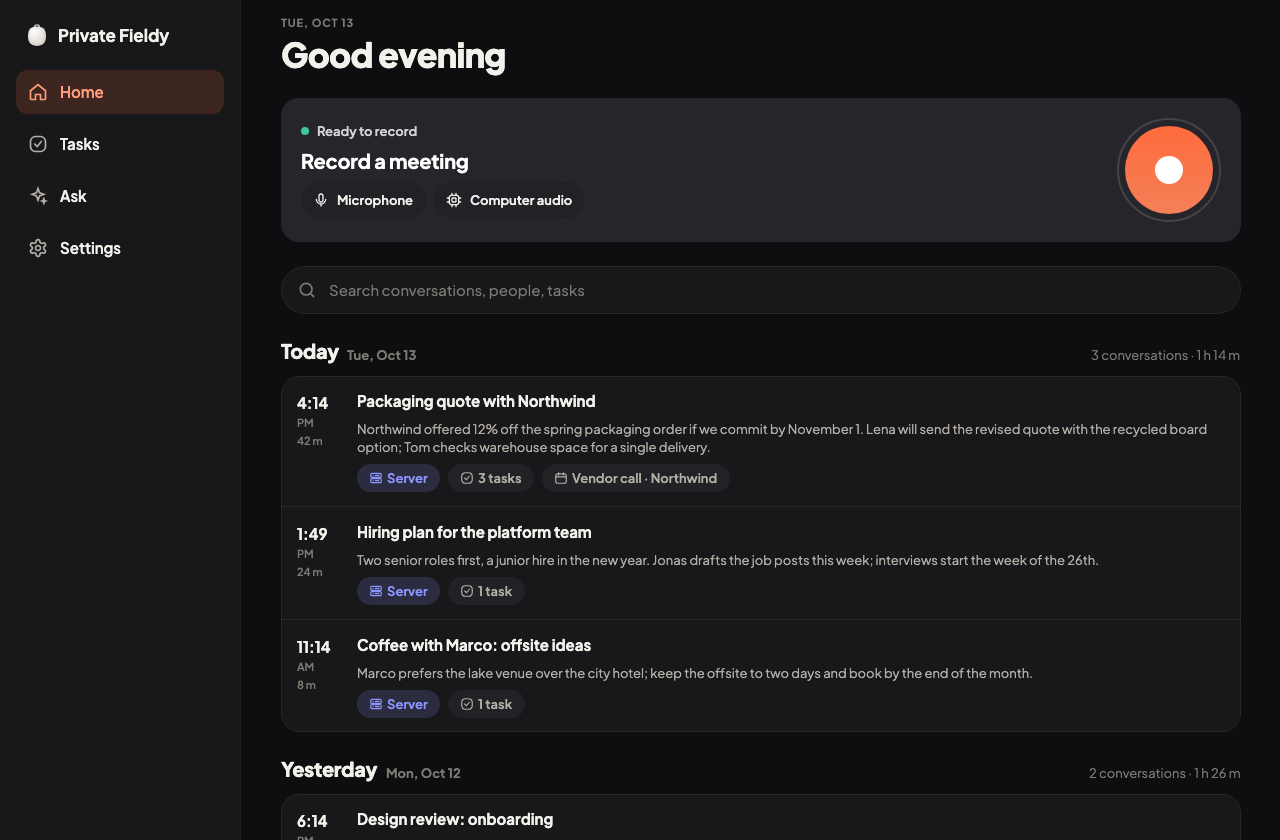
The desktop app records your microphone and the computer's audio together, with no bot joining the call. Experimental: built and tried on macOS; the Windows version is not tested yet.

The desktop app: record card with microphone and computer audio, and today's conversations. The desktop app: record card with microphone and computer audio, and today's conversations.

Try the preview

The preview builds are not public yet. Tell us you are interested and we will let you know when they are.