Features

What Private Fieldy does

Each feature is marked with where it stands in the current preview.

Private preview. Private Fieldy is being tested and is not in an app store yet. Features marked Experimental are built but not finished testing. See what changed.

Preview

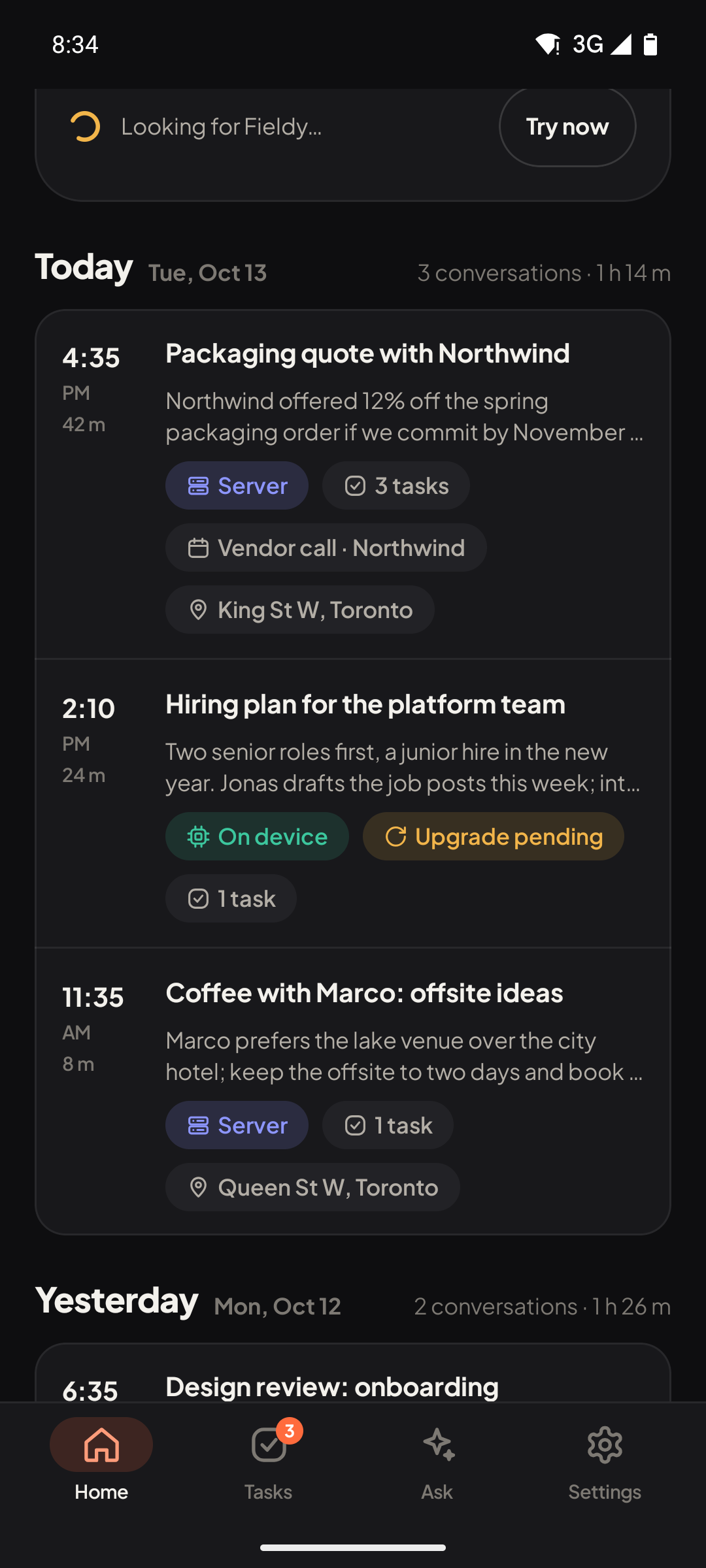
Live transcript, on your phone

Words appear while you talk, transcribed on the phone itself. Nothing has to leave it for that.

  • Records from the Fieldy 3 pendant over Bluetooth, or from the phone's own microphone when no pendant is near.
  • Audio is saved as small Ogg/Opus files on the phone, and kept.
  • Bookmark a moment with a double press on the pendant (if you turn that on).

Available in: Android
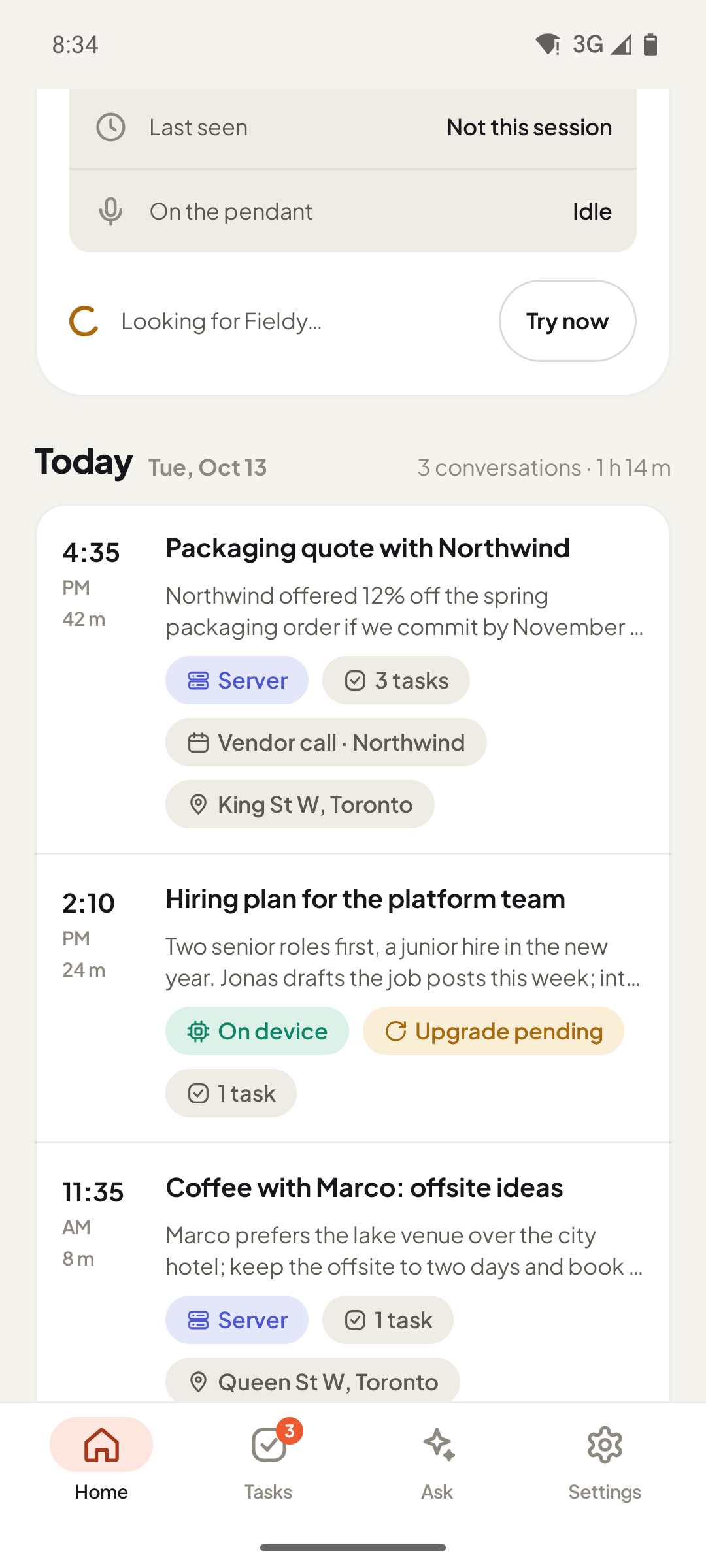
Live transcript, on your phone: screenshot of the Android app. Live transcript, on your phone: screenshot of the Android app.
Preview

Summaries and tasks

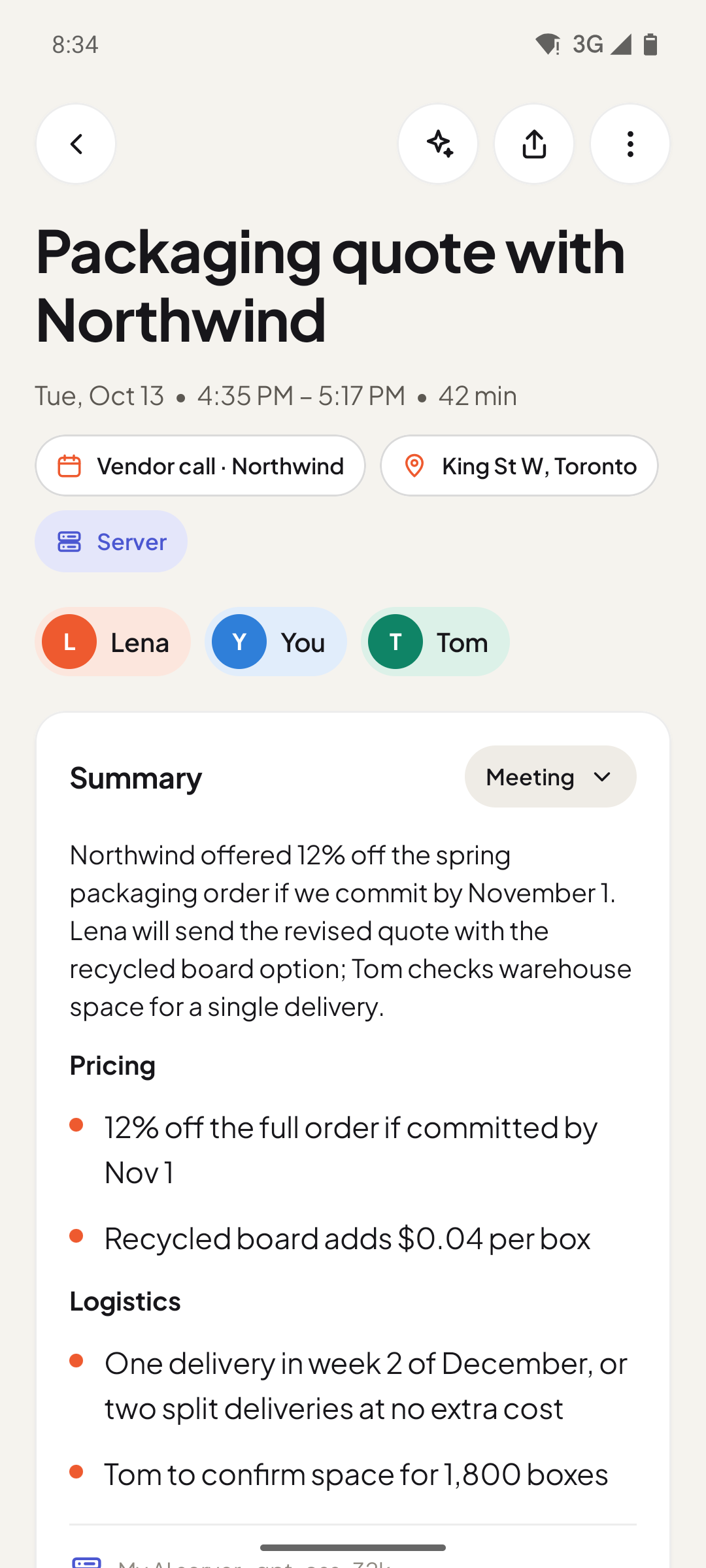
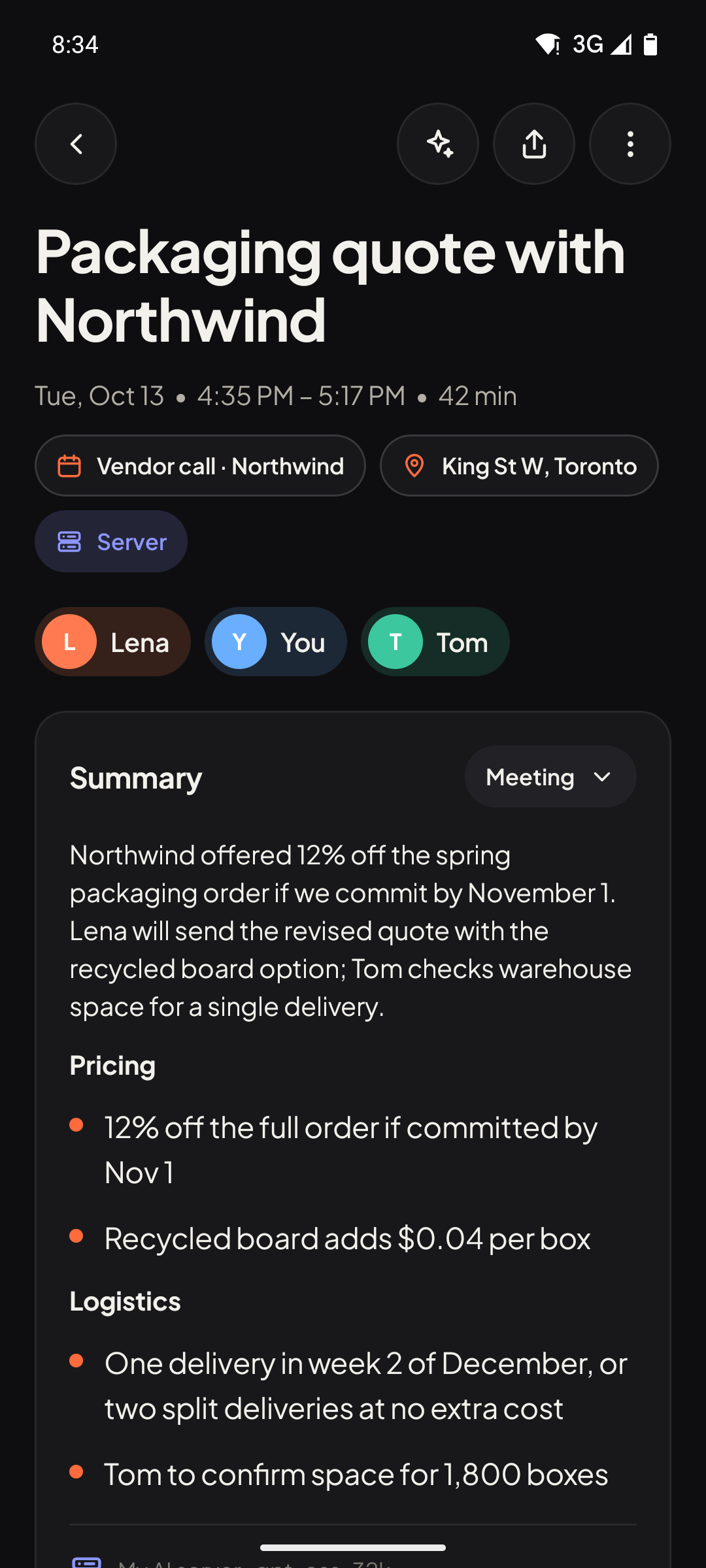
Every conversation gets a title, a summary in the template you pick, and suggested tasks with due dates.

  • 12 built-in templates (meeting, one-on-one, interview, sales call, lecture and more) plus your own.
  • Tasks are suggestions until you accept them; accepted tasks remind you when they are due.
  • Long meetings are summarised in parts and combined, so the first hour counts as much as the last.
  • Every result shows where it was made: on the phone, or on your AI server.

Available in: Android, macOS, Windows, Web

Summaries and tasks: screenshot of the Android app. Summaries and tasks: screenshot of the Android app.
Preview

Ask about your day

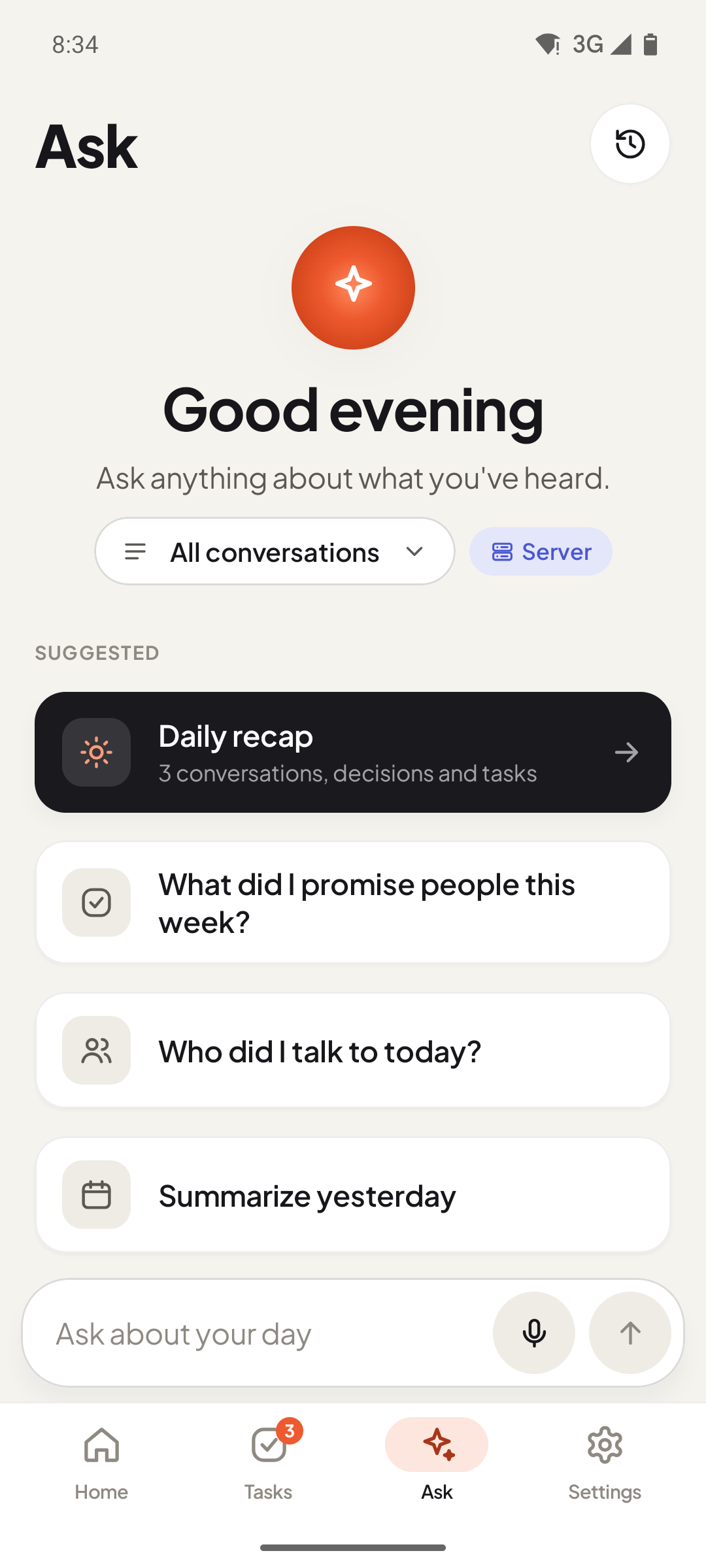
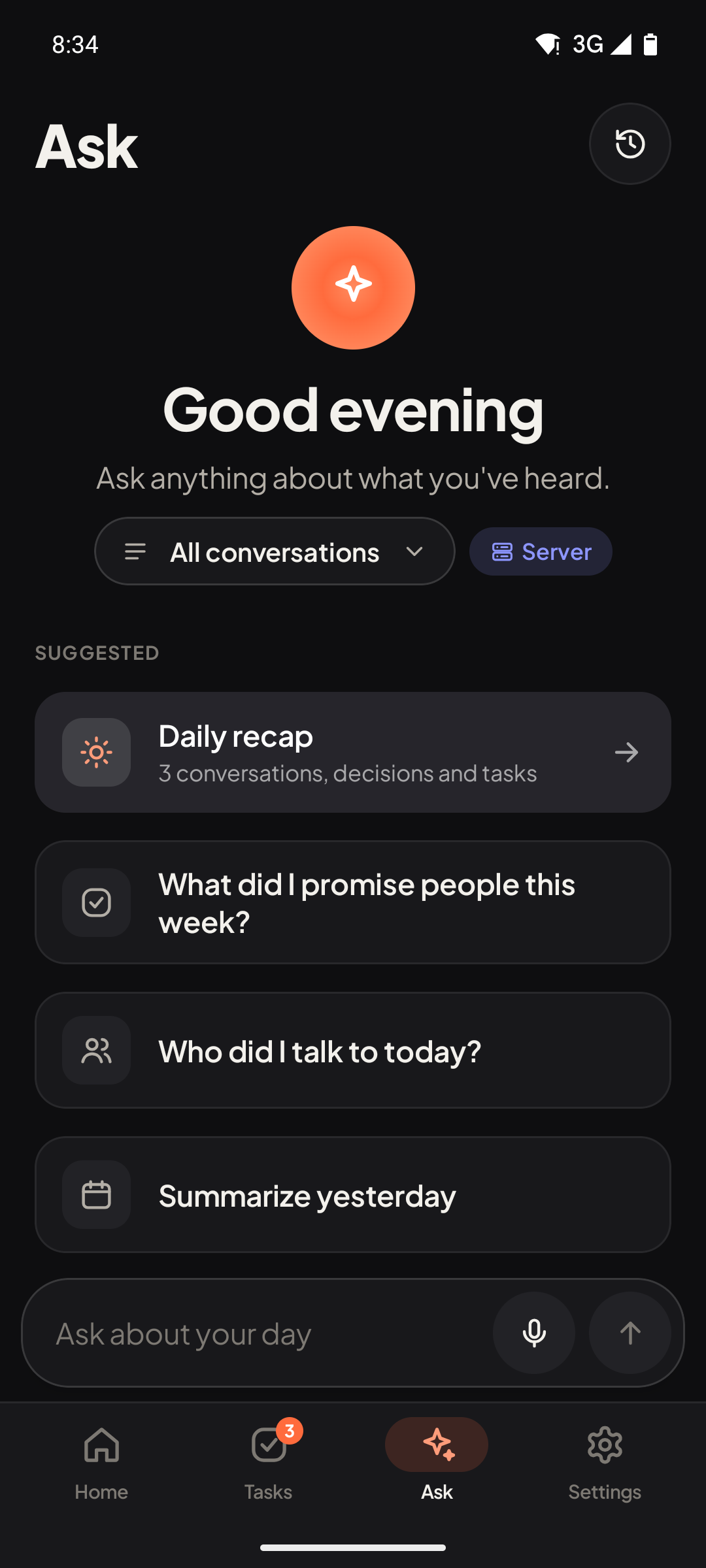
Ask questions across your conversations. Answers cite the conversations they came from.

  • Ask about one conversation or all of them ("What did I promise people this week?").
  • Suggested questions, a daily recap and follow-up questions.
  • One conversation can be answered on the phone; questions across many go to your AI server.

Available in: Android, macOS, Windows, Web

Ask about your day: screenshot of the Android app. Ask about your day: screenshot of the Android app.
Experimental

Speakers you can name

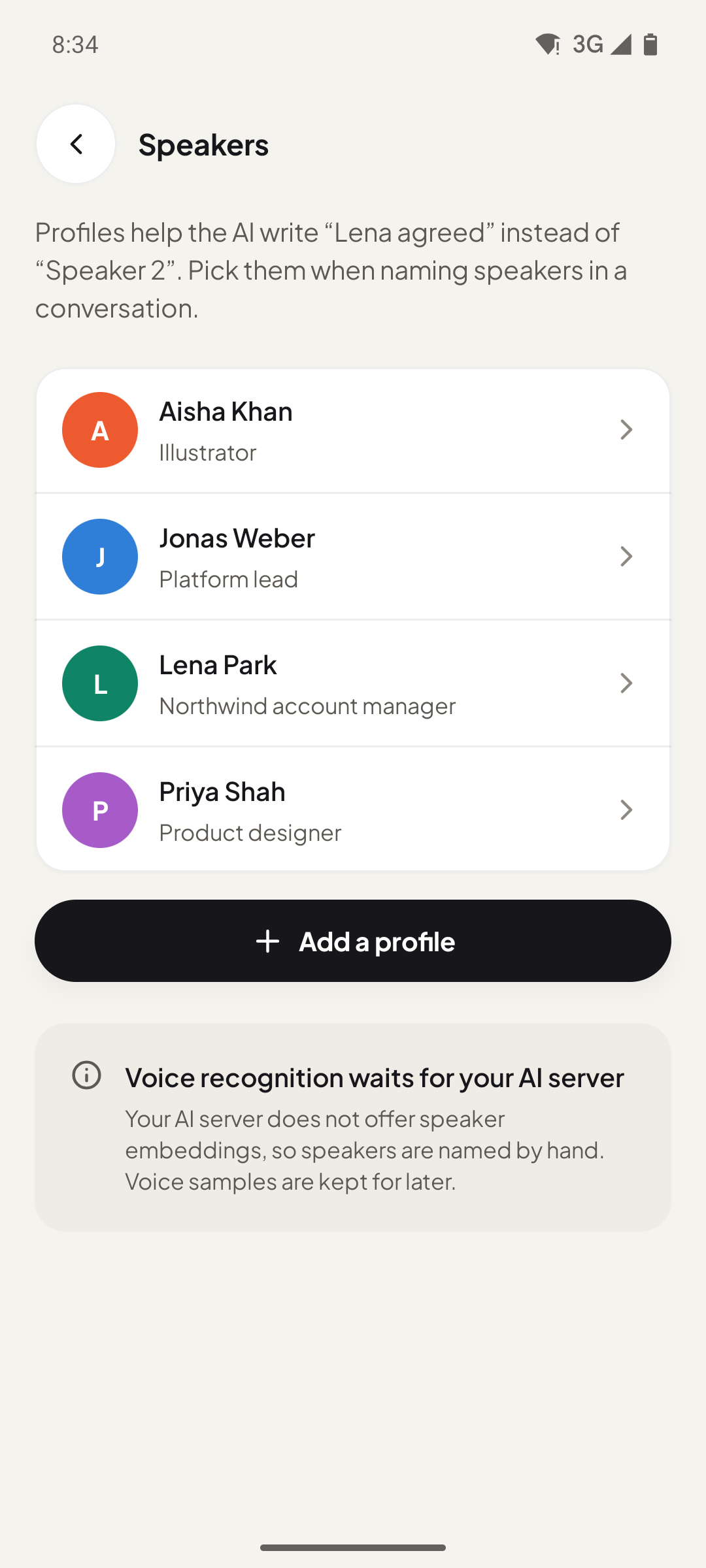
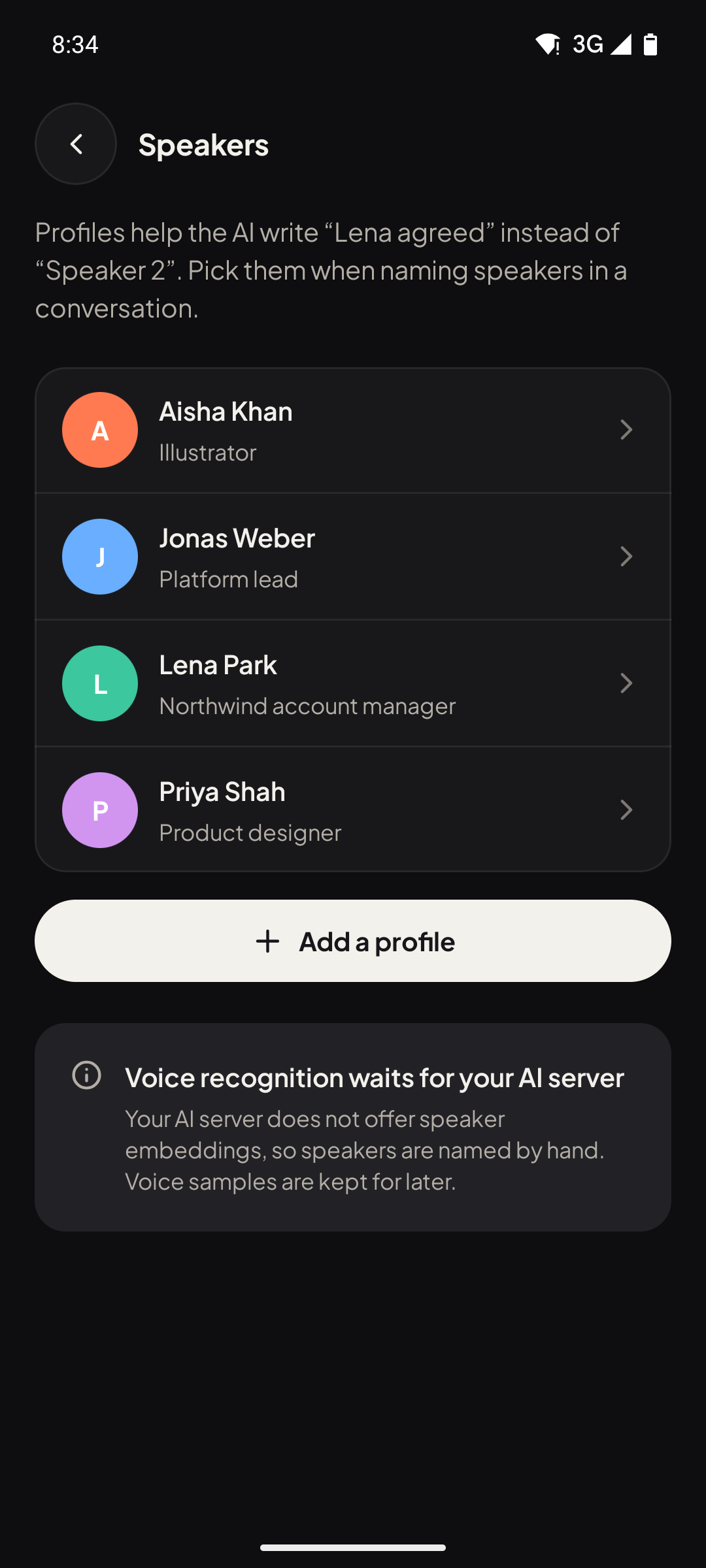
Transcripts are split by speaker, and you give each voice a name once.

  • Speaker profiles add context, so notes say "Lena agreed" instead of "Speaker 2".
  • Voice recognition: with a voice sample, the app can name known speakers automatically when your AI server provides voice embeddings.

Naming by hand works in the preview; automatic voice recognition needs an AI server with speaker embeddings and is still being tested.

Available in: Android

Speakers you can name: screenshot of the Android app. Speakers you can name: screenshot of the Android app.
Preview

Offline sync from the pendant

Walk away from your phone and keep recording. The pendant stores the audio and hands it over when it is back.

  • On every reconnect the app pulls what the pendant recorded on its own and turns it into conversations.
  • A gap inside a conversation is spliced back into it, in the right place.

Available in: Android

Preview

Always On, or Manual

Record only when you press, or let Always On listen with the pendant, the phone or an Apple Watch and open a conversation only when people keep talking.

  • Listening is checked on the phone only: nothing is saved or sent until there is sustained speech and enough recognized words (both adjustable). A cough or a single TV line does not start one.
  • The last 10 seconds are kept in memory, so the start of the conversation is not lost.
  • When a conversation ends, the phone decides whether it is worth notes before anything goes to your AI server. TV, radio and background chatter stay on the phone, marked Skipped, with Process anyway.
  • Silence ends a conversation (after 5 minutes by default); very long ones are split at 3 hours.

Available in: Android

Experimental

Desktop meeting recorder

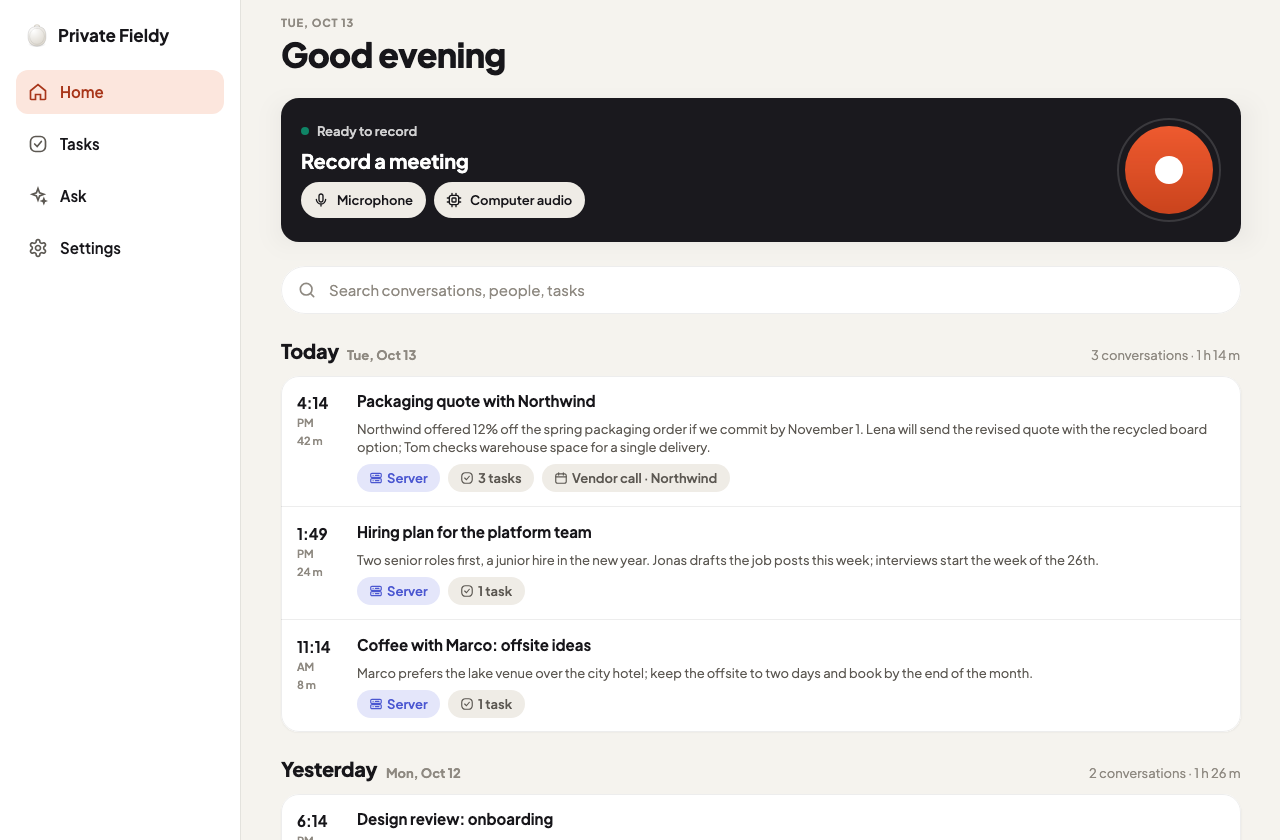
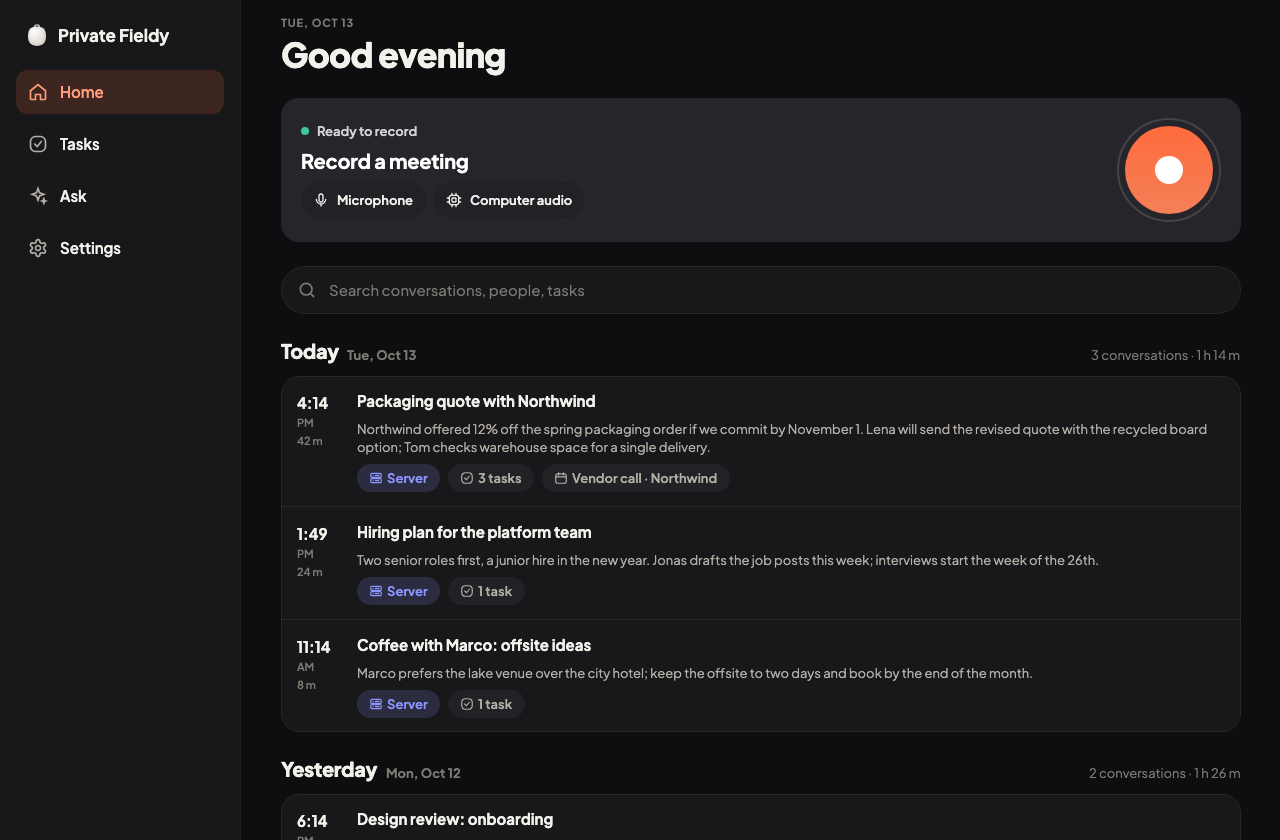
Record online meetings on your Mac or PC: your microphone and the computer's audio together, no meeting bot.

  • Offers to record when a meeting app starts using the microphone.
  • Same summaries, tasks, Ask and export (text, Markdown, PDF, JSON) as the phone.

macOS preview build tested with the microphone; computer audio and the Windows installer are not yet tested.

Available in: macOS, Windows

Desktop meeting recorder: screenshot of the desktop app. Desktop meeting recorder: screenshot of the desktop app.
Experimental

Record in your browser

The web app records with your computer's or phone's microphone and makes the same notes, with the AI providers you choose.

  • Live transcript while you record (where the browser offers speech recognition), bookmarks, and the meeting from your calendar.
  • Speech-to-text and notes run through your own AI server (at a public https address), OpenAI, Deepgram, Baseten, your Claude subscription bridge or any OpenAI-compatible service; keys stay sealed on the sync service.
  • Long recordings are transcribed in parts, names are fixed from your names & terms, and voices you saved are recognised.
  • No pendant or Bluetooth in the browser: those stay in the phone apps.

Tested in Chrome against a local copy of the sync service with a stand-in AI server; the hosted web app is not live yet.

Available in: Web

Experimental

Sync across your devices

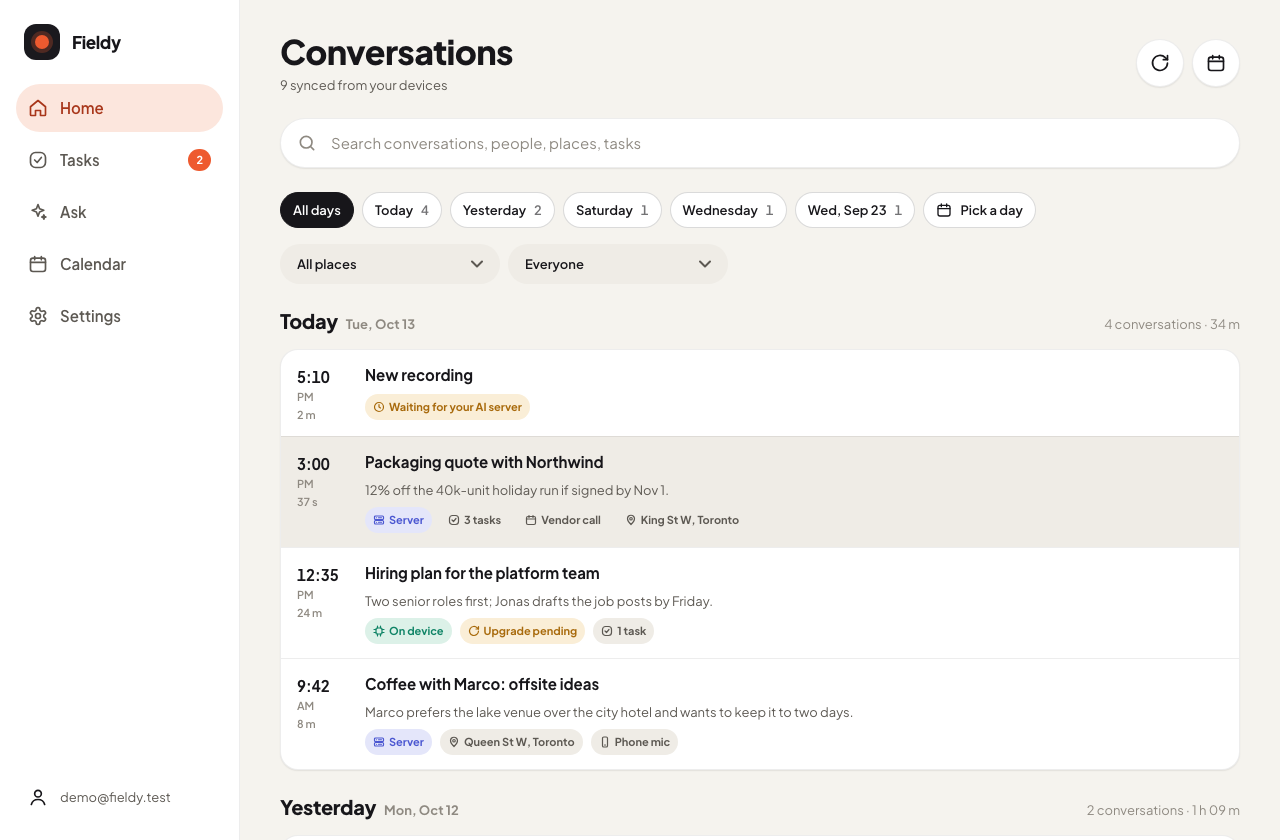
Optional: sign in and your conversations, tasks and speakers stay in step between phone, computer and the web.

  • Off until you sign in. Recordings sync only if you turn that on.
  • Share a read-only link to a summary, tasks or transcript, with an expiry you choose.

Tested against a local copy of the sync service; the hosted service and the web app are not live yet.

Available in: Android, macOS, Windows, Web

Sync across your devices: screenshot of the web app. Sync across your devices: screenshot of the web app.
Experimental

Claude connector

Add your conversations to Claude as a read-only connector and ask Claude about your meetings.

  • Claude can search conversations, read notes and transcripts, list tasks and people.
  • Read only. Revoke it in the app at any time.

Built and tested locally; not deployed yet.

Available in: Web

Experimental

Pendant firmware updates

Check and install pendant firmware from inside the app, with every image validated before it is sent.

  • Images come from your own pendant account or from a file you choose.
  • Refused while recording or syncing; afterwards the app checks the version and tells you if the update took or rolled back.

Not yet run end to end on a pendant.

Available in: Android